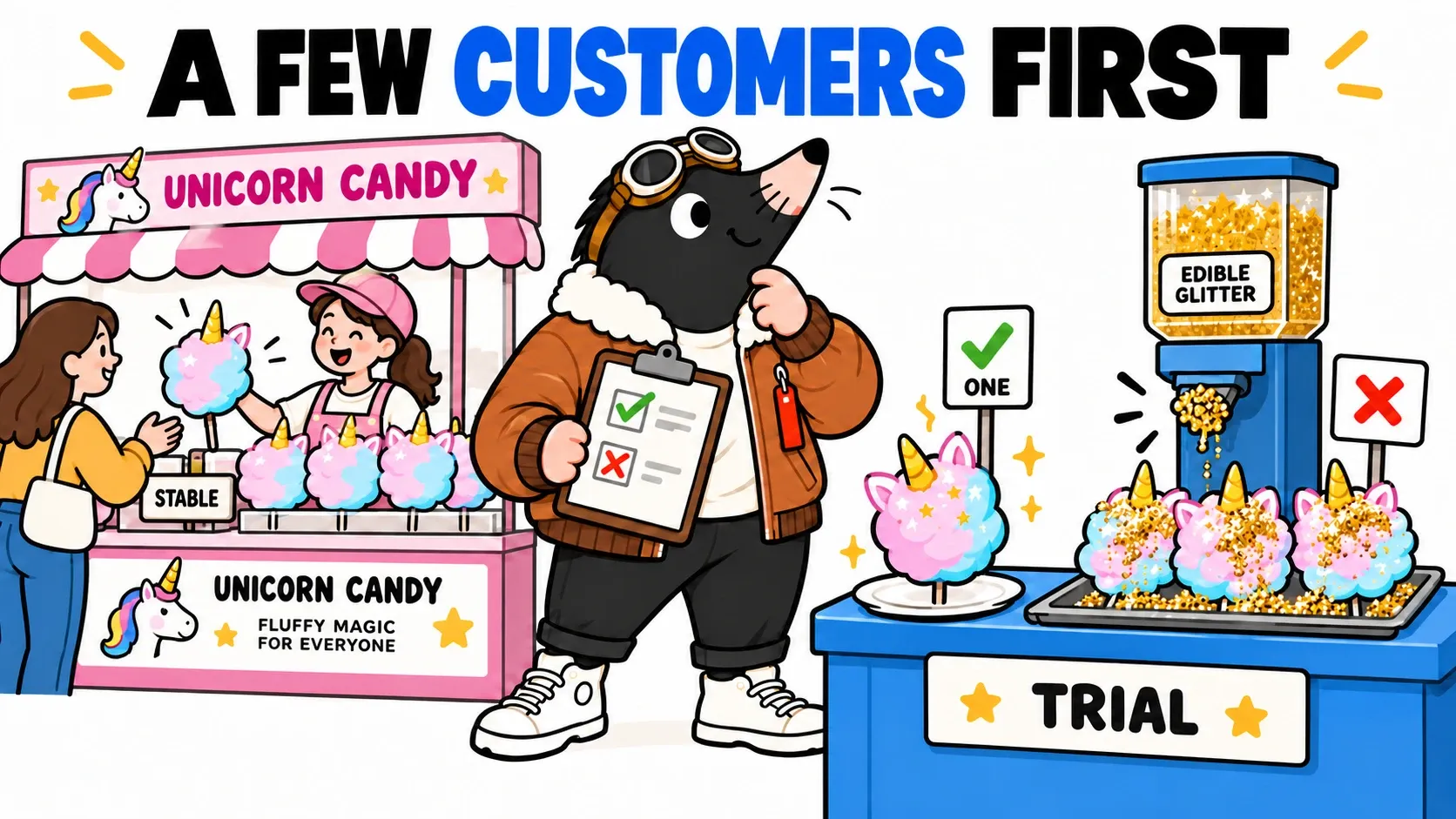
TOP stops outside his cotton candy shop. Strawberry. Always strawberry. He knows the menu by heart. He lowers his aviator goggles, thinks for a moment, then pushes them back up. “We need Magical Unicorn flavour. With a little edible horn. Otherwise it is just sugar getting ideas above its station.”
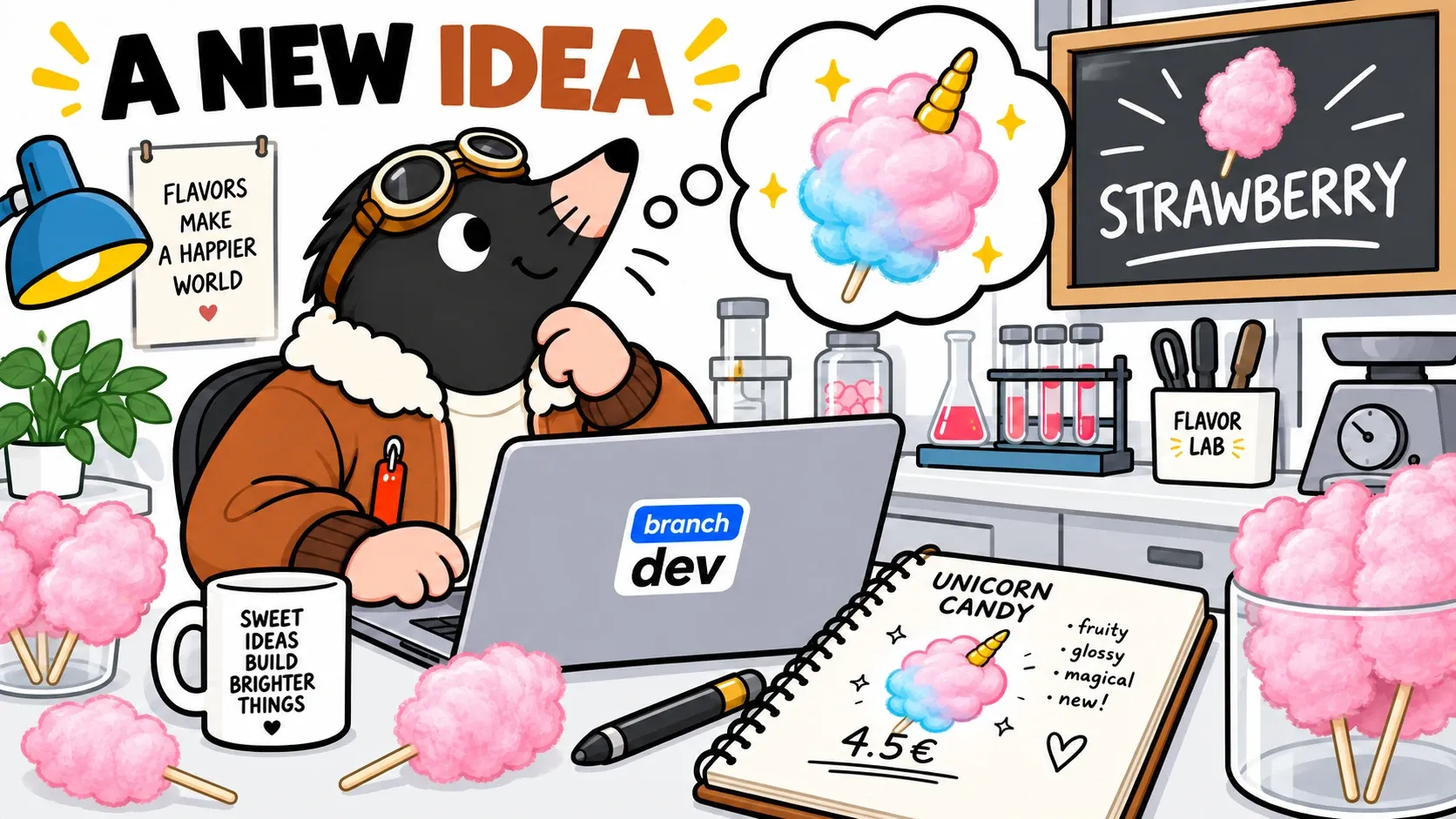
The idea fits in a notebook. Putting it on sale without breaking strawberry orders takes a little more care.
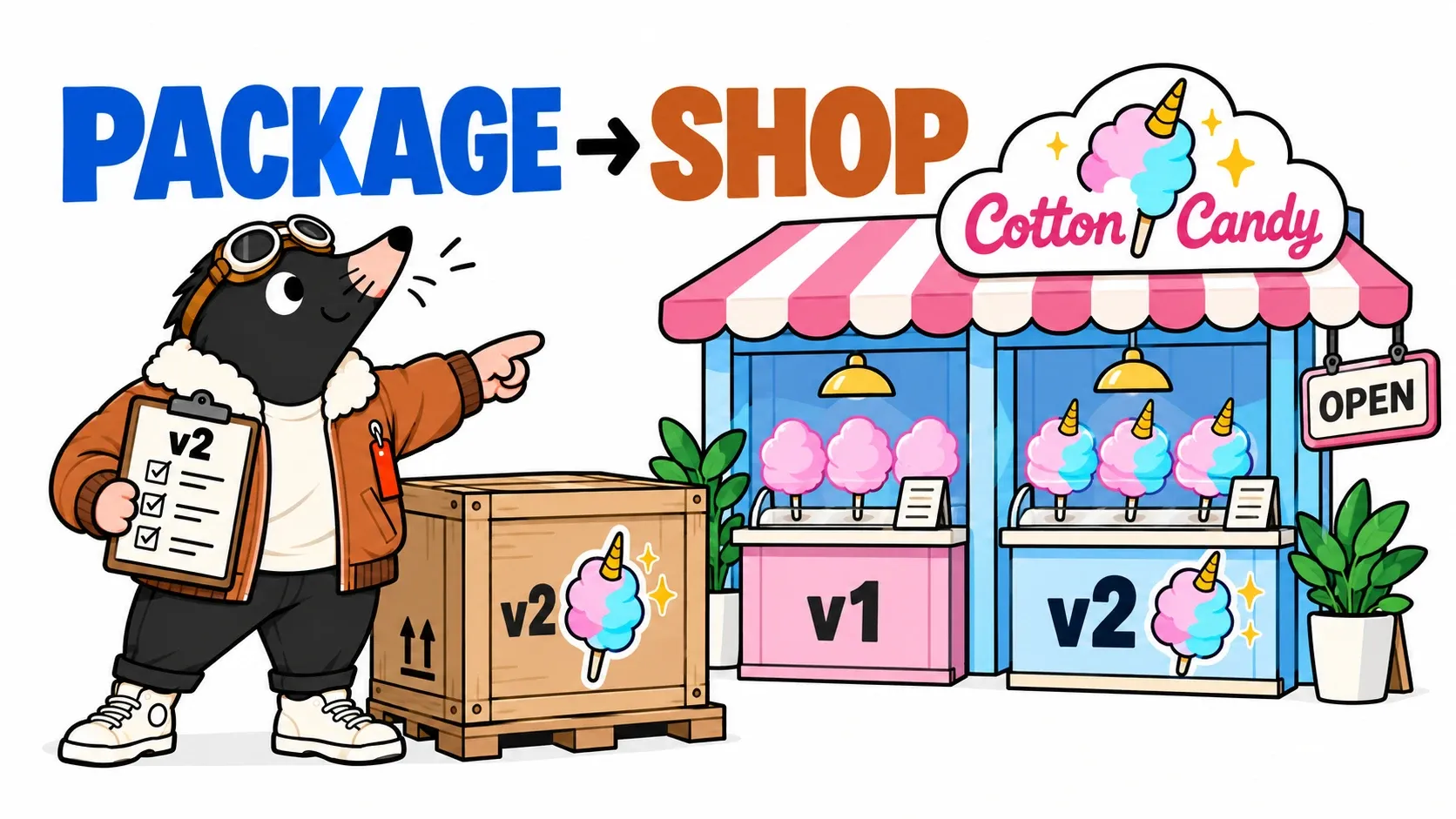
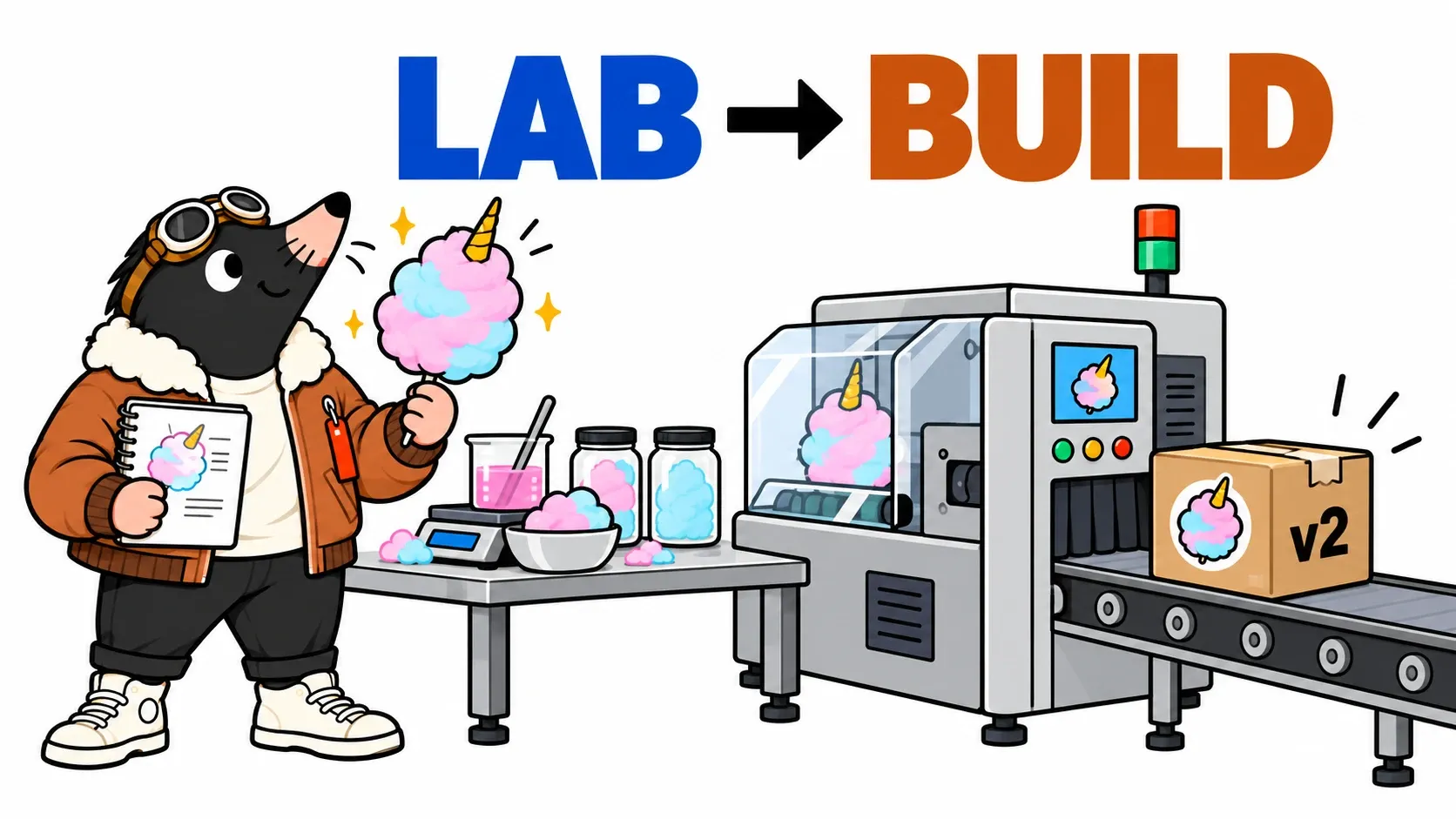
Welcome to La Barbe à TOP, our fictional shop. Across three episodes, we will follow one change from the laboratory to its first customers. The lab represents source code; the factory builds the application; the crates are its releases; the shop is the running service. The illustrations tell that analogy. The software we will actually run is a small ordering API, not a machine that makes sugar.
This first episode explains what CI checks, why a pull request can remain blocked even when tests pass, and how to identify the final release. A lab on GitHub lets you reproduce TOP’s mistakes.
The production plan
- The laboratoryChange a recipe without changing the running service.
- The trial workshopCheck the change together with the existing catalogue.
- The factoryBuild and verify something we can deliver.
- The warehouseKeep track of the exact package that can leave.
Our v1 application knows strawberry. v2 will add Magical Unicorn at €4.50, with a horn decoration. These numbers identify application releases: v2 can still sell strawberry. They are not flavour numbers.
Into the notebook, then into Git
TOP opens a working page: his dev branch. He adds the flavour to the catalogue and records a commit, an identifiable step in the history. A push sends that step to GitHub. Saving work locally and sending it to the shared repository are different actions.
We use dev to make this journey easy to follow. A team can instead use short branches for individual changes. A long-lived branch is not protective because of its name. Small changes, frequent integration and meaningful checks make work easier to verify.
Meanwhile, the shop is still running its previous image. Changing the notebook does not spontaneously change what customers see. TOP can make several attempts without charging the queue for his experiments. We will preserve that separation all the way to delivery.
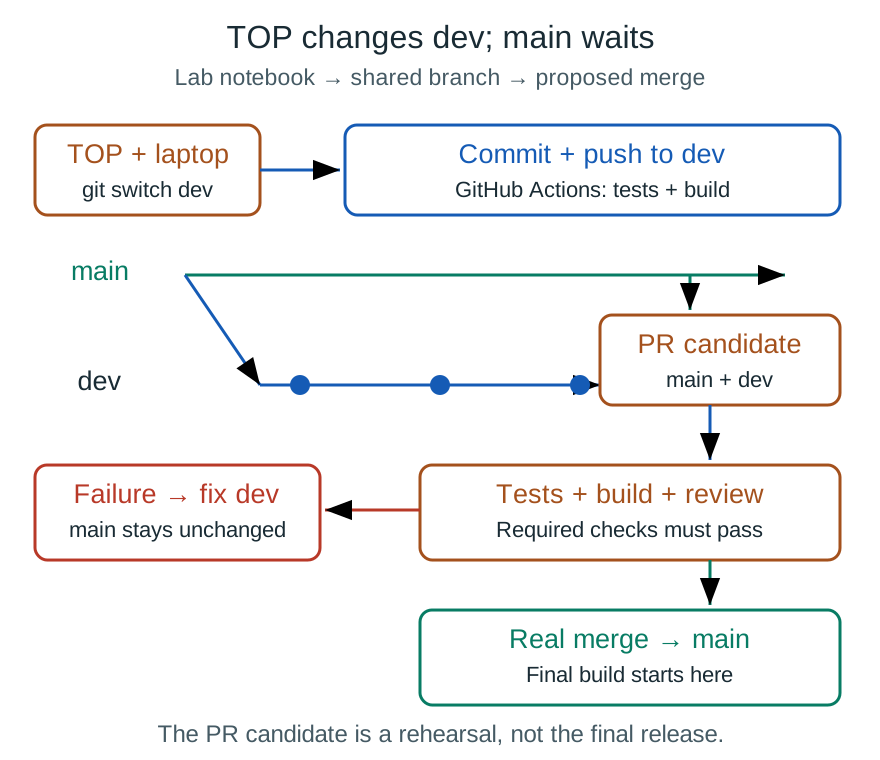
From TOP’s notebook to Git: a dev push triggers checks; the PR tests the combination with main before the real merge.
First mistake: a unicorn for minus €4.50
TOP enters the price in a hurry: −€4.50. The shop would now pay customers to order a unicorn. Marketing loves it. Accounting is less convinced.
Customers see euros. The code keeps integer cents for total calculations; this storage detail does not change the displayed price.
An automated test checks that every price is a strictly positive integer. It fails. This business rule expresses an expected behaviour independently of how the application calculates an order. Other tests check the total for two portions, rejection of an unknown flavour and invalid quantities.
That is our introduction to CI, continuous integration: whenever a change is shared, repeatable checks look for problems promptly. GitHub Actions supplies the machines and workflow execution here. We still have to write the tests; it does not invent our shop’s rules.
These are the events in our workflow:
on:
  push:
    branches: [dev, main]
  pull_request:
    branches: [main]
  merge_group:
    types: [checks_requested]
A push to dev gives an early result. A PR targeting main checks the integration proposal. merge_group also supports a merge queue if one is enabled. The complete workflow in the lab runs tests, builds the application and starts a candidate image. GitHub Actions events.
TOP changes the price to €4.50. The tests pass. He could rush towards the merge button. Fortunately, the factory still has a say.
Second mistake: the horn does not fit the machine
The old packaging machine handles a ball. TOP arrives with a ball and a horn. The recipe is valid and the price is correct, but the top of the new candy catches on the machine’s opening.
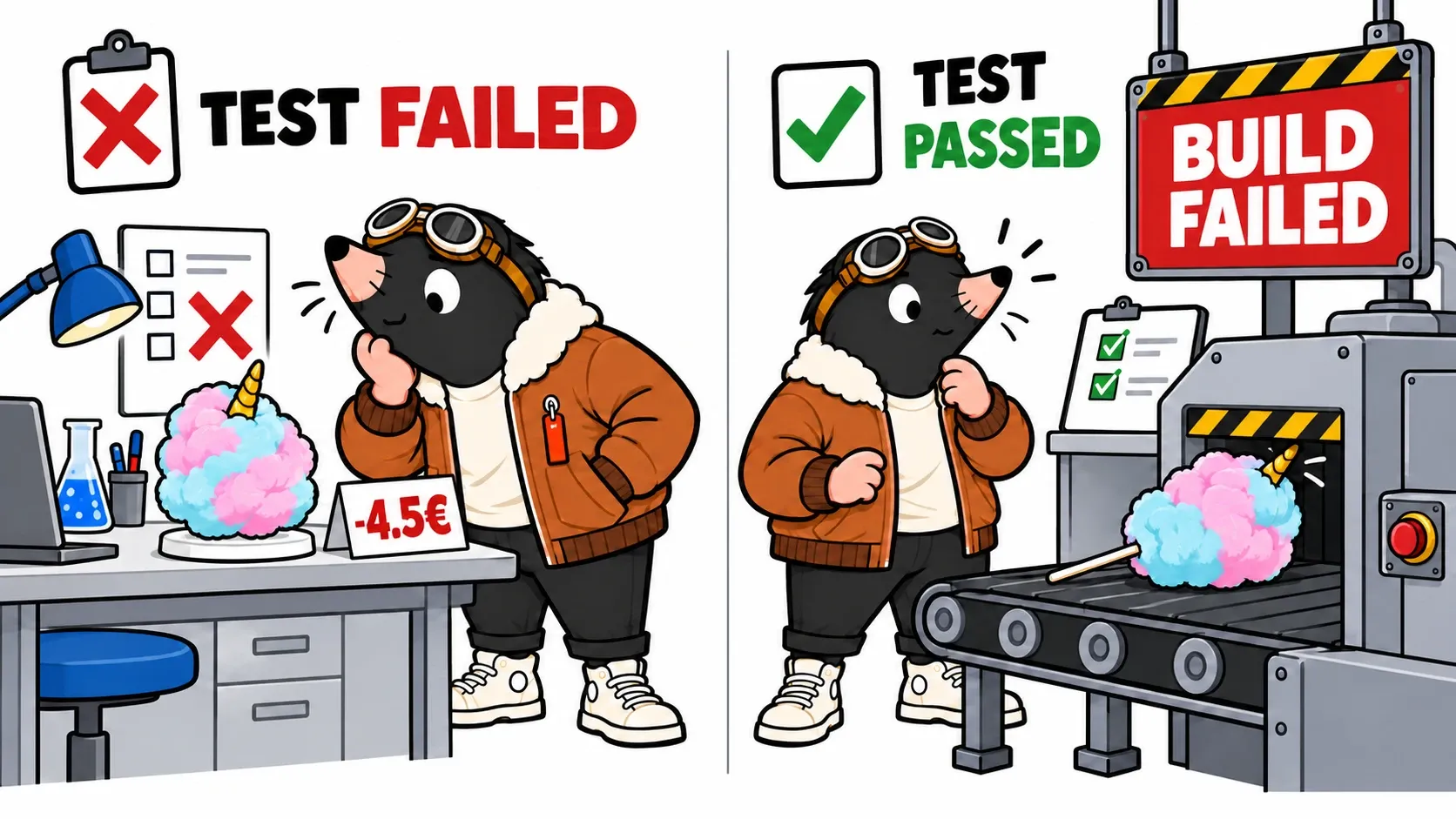
In our application, that scene has a precise counterpart: the catalogue requests a horn decoration, but the build configuration only recognises plain. The build refuses to produce a package it cannot represent.
Recipe tests: OK
Build: BUILD BLOCKED: unsupported decoration "horn"
Merge: blocked when this check is required
Testing and building answer different questions. Pricing tests can pass while an asset is missing, a format is unsupported or assembly fails. In our lab, the build checks catalogue compatibility with the machine, then bundles the server and prepares the files Bun will execute.
TOP opens a pull request, or PR: a proposed merge containing the change and its check results. For a mergeable PR, our workflow’s default checkout uses GitHub’s proposed merge result. That checks the combination with main, not just TOP’s isolated work. Overriding checkout to use the dev head would lose that property. Checking the merge branch.
A Git conflict is a different problem again: Git cannot automatically combine some edits. Resolve it before this validation journey can run. Our horn can merge perfectly well at the file level and still break the build. Git can combine text; it cannot decide whether a factory accepts unicorns.
TOP therefore adds horn support to the machine. Another commit, another push, another set of checks. A complete crate finally comes off the conveyor.
A green PR still needs permission to enter
Status lights alone enforce nothing. Our repository rules require a reviewed PR, a successful Recipe and factory check and an up-to-date combination with main, without bypasses for this exercise. If the target branch changes, update and revalidate, or use a merge queue. Protected branches.
Human review asks other useful questions. Is that price intentional? Is the flavour name understandable? Does the change affect only what its description says? A test verifies a programmed rule. It does not replace the decision to sell Magical Unicorn.
For a team with frequent merges, a merge queue checks a change alongside those ahead of it in the queue. That avoids treating an old validation as current after other merges. Our merge_group event supports that case; enabling a queue remains a repository setting. GitHub merge queues.
Build the package that will actually leave
The PR is merged. The final commit enters main and triggers another workflow. It has its own identity: depending on the merge method, its identifier can differ from the proposed merge tested on the PR.
The pipeline verifies that final source. Its publication job builds a container image, starts it, checks readiness and places a simple order. It then publishes that same image, without rebuilding between that check and publication. The PR candidate was a rehearsal; the final package receives its own check.
This is a smoke test: a short exercise that can detect a service that fails to start or cannot complete the selected request. It does not cover every possible order. Episode three will show why that boundary matters.
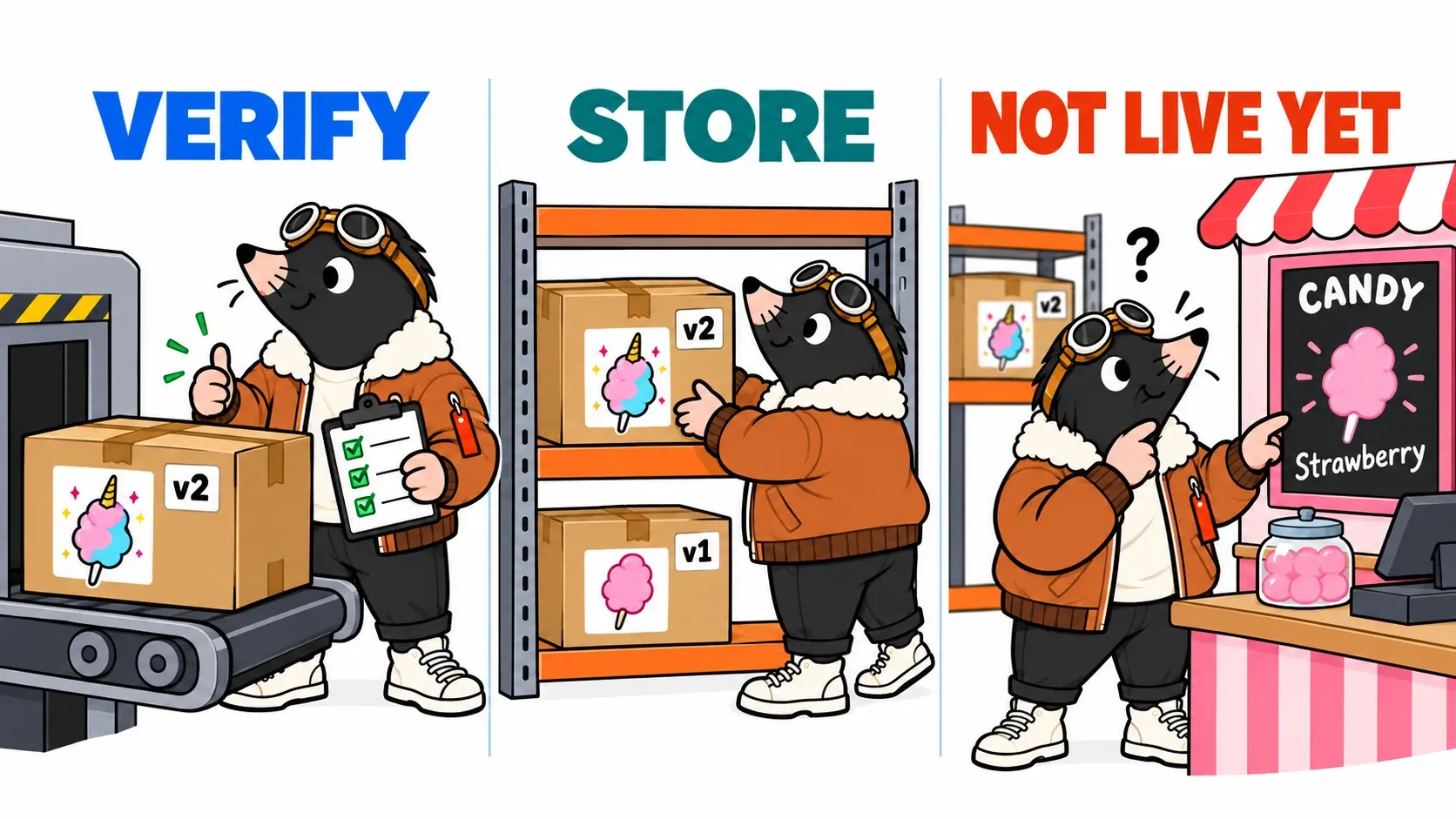
The image goes into GHCR, our registry. A tag containing the commit helps locate it. Its digest, a content fingerprint, identifies the precise image to deploy. Reusing a moving name such as latest does not provide the same identification guarantee. Image digests.
TOP attaches two pieces of information to the crate: “built from this commit” and “content identified by this digest”. That does not prove there are no defects. It stops us investigating a different release from the one that is running.
Our workflow grants publication permissions only to the job running after a push to main. PR checks have read permissions and do not publish a final image. A maintained delivery chain also reviews its actions, dependencies and base image. This lab favours short files and readable version pins. Publishing images with GitHub Actions.
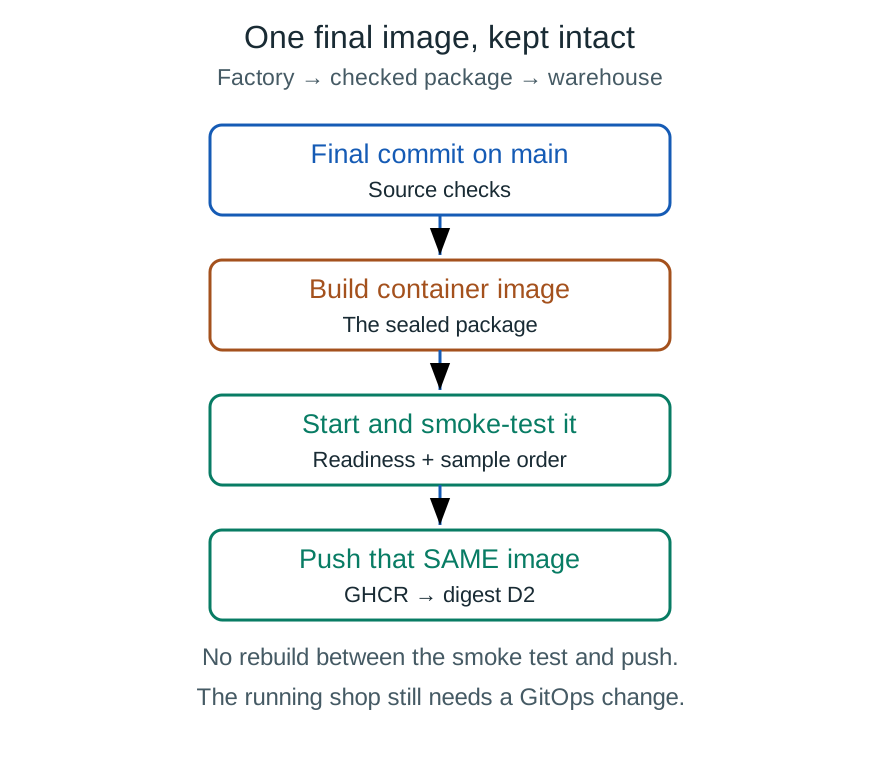
The factory becomes the build: construct, start, verify, then push that exact image to GHCR.
Where does CD enter the story?
Continuous delivery keeps software ready to release; an approval can still decide when it enters production. Continuous deployment extends the automation: an eligible change enters production without a manual release decision each time.
Our first episode produces a verified package. It prepares delivery, but this workflow does not change the shop yet. CD becomes concrete when we connect the package to an environment and its checks. Continuous integration and delivery.
Your turn to block the horn
Clone the public La Barbe à TOP repository and enter its directory.
git clone https://github.com/doudidas/la-barbe-a-top.git
cd la-barbe-a-top
It uses Bun 1.4.0 and needs no dependencies installed. The scenario commands replace its two configuration files, so use this dedicated copy for the exercise.
First, introduce the pricing mistake:
bun run scenario red-test
bun run test
The process should fail and name the invalid price. Next, prepare a correct recipe for an incompatible machine:
bun run scenario broken-build
bun run test
bun run build
Now the test passes and the build rejects horn. We have exercised two different gates in the journey. Finally, adapt the machine:
bun run scenario v2
bun run test
bun run build
bun run start
Open http://localhost:8080/. The JSON shows v2, Strawberry and Magical Unicorn. In a second terminal, place an order to verify the actual total:
curl -i -H 'Content-Type: application/json' \
  -d '{"flavour":"unicorn","quantity":2}' \
  http://localhost:8080/orders
Expect HTTP 200 and totalEUR: "9.00 €". This is a fictional quote; no order is stored and no payment is taken. The version in the response is useful evidence that you restarted the application you just built.
To observe a blocked PR, fork the public repository, which already includes its .github directory. The README explains branch protection, GHCR permissions and events. Running scripts locally does not create those GitHub rules.
TOP returns to the shop. The menu still says Strawberry.
“Wait. We have a recipe, a factory and a crate… Who tells the shop?”
That is where episode two: GitOps and rolling updates begins. The image exists; it still needs to become a service.
Get the next one by email
New articles and series, sent when they are published. No other mail.