

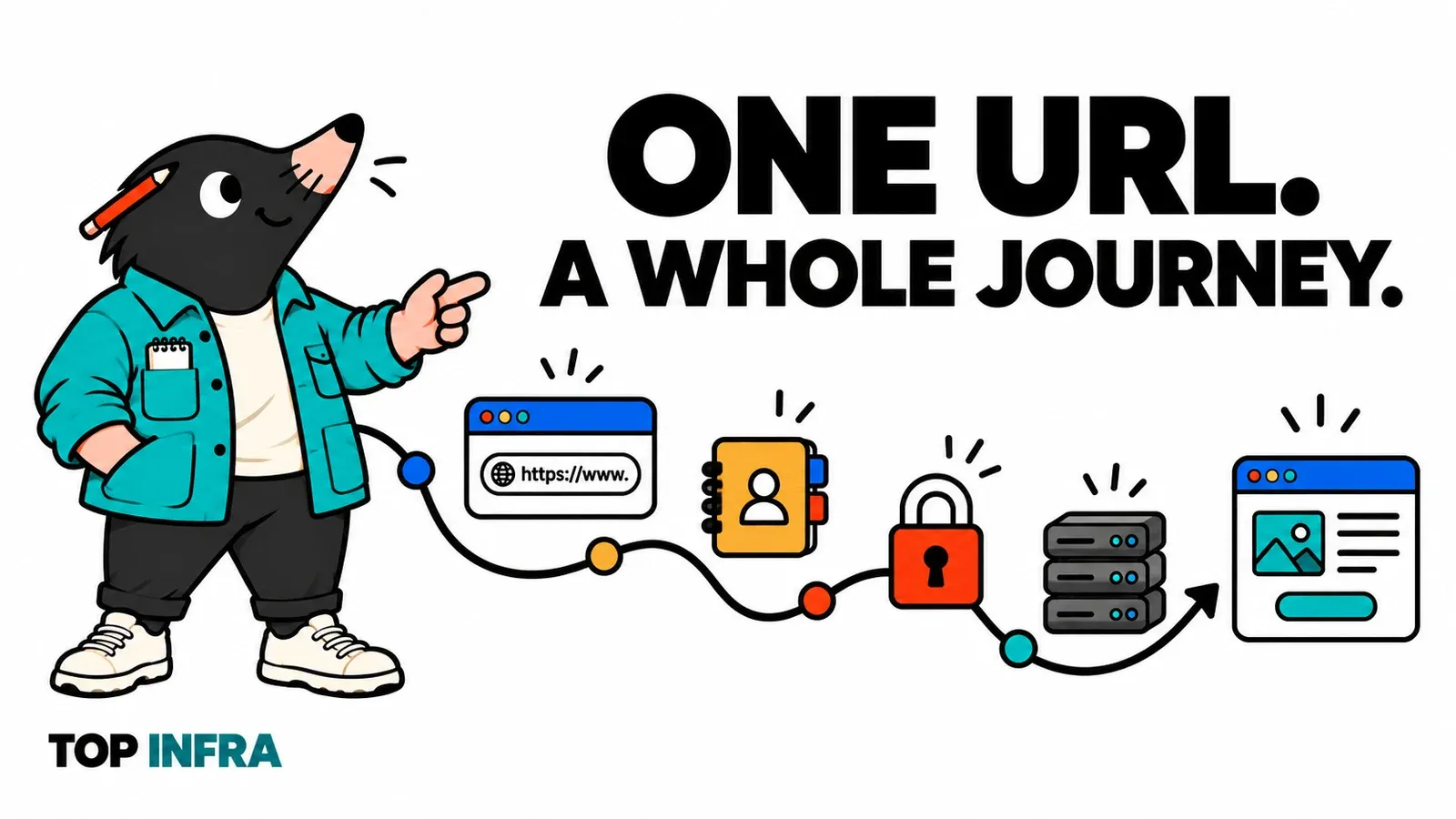
You type an address, press Enter, and a page appears. In between, your browser has found someone to talk to, established a connection, requested content and started displaying it. It feels instant… until one step stops answering.
Welcome to TOP digs into infrastructure, infrastructure explained for developers. In this first episode, there is no machine to install: we follow a navigation and learn to recognise its stages. You do not need to know the OSI model to join us.
Our journey at a glance
These are the main questions the browser needs to resolve. They are logical stages, not six machines lined up across the Internet.
- URLWhat am I asking for?
- DNSWhich address should I contact?
- ConnectionHow do I reach the service?
- TLSWho can I exchange data with securely?
- HTTPWhat is the response to my request?
- RenderingHow do I build the page?
Start by imagining a first HTTPS visit, without an open connection or a reusable cached response. In practice, a browser can reuse earlier work. We will return to that shortcut.
Read the address before setting off
Our fictional example is https://shop.example/products/?sort=price#details. It explains the journey; it is not a shop to open.
httpsidentifies the protocol used to access the resource.shop.exampleis the hostname./products/is the requested path.?sort=pricepasses a parameter to the application.#detailsidentifies a fragment handled by the browser; it is not sent in the HTTP request.
The port is omitted: HTTPS uses its default port, 443, here. A path does not necessarily correspond to a directory on disk. An application can decide which response to produce for that address. Reference: URL anatomy, MDN.
This separation already suggests a useful habit: check the hostname and path before investigating a network failure. A missing letter in the first and a typo in the second can produce very different failures.
Find an address, then reach a service
The browser has a name; it needs an IP address. DNS resolution can find the addresses associated with that host. A resolver looks for the answer, consulting other DNS servers when necessary. Caches can avoid repeating the whole lookup. Reference: how DNS works, Cloudflare.
The browser then needs to reach a service at that address. Think of a port as a numbered entrance: knowing the building is not enough; a service must be listening at the right door. A firewall can also allow or block communication.
HTTPS with HTTP/1.1 or HTTP/2 uses a TCP connection, followed by TLS to protect the exchange. HTTP/3 uses QUIC over UDP, with TLS integrated into connection establishment. Our logical journey remains useful, but “the entire Web uses TCP” would be wrong. Reference: HTTP/3, MDN.
For now, keep three separate questions: does the name resolve, is the destination reachable, and does the service accept a connection? They help you move beyond a vague “the Internet is broken”.
Establish trust with HTTPS
With HTTPS, the browser checks, among other things, that the presented certificate is valid for the requested name and can be trusted. TLS protects the confidentiality and integrity of data on that connection. Reference: TLS, MDN.
This does not certify the seller’s honesty or the absence of application bugs. The browser verifies a secure connection to a name, not the quality of the service answering behind it.
That distinction is enough for our first visit. We do not need to unpack cryptographic algorithms yet: the useful idea is to know where the protected connection begins and ends. A later episode can follow a certificate more closely.
Request a resource and receive a response
The application conversation now uses HTTP. In our example, the browser asks for products sorted by price. A simplified HTTP/1.1 representation looks like this:
GET /products/?sort=price HTTP/1.1
Host: shop.example
HTTP/2 and HTTP/3 encode the conversation differently; the concepts of method, resource and response remain. A response supplies a status, headers and, when present, a body. Reference: HTTP overview, MDN.
Who prepares that response? For a static page, a server may simply return a file. For a dynamic page, an application may calculate a result or look up data. An intermediary can also answer without involving the application.
A cache provides exactly this kind of shortcut: a stored response can be reused according to freshness rules, or revalidated. Caches can live in the browser and in shared infrastructure such as a CDN. Reloading a page does not necessarily repeat the same server work. Reference: HTTP caching, MDN.
Imagine two visits to our shop. The first requests a product image; the second may find that image in a cache. The visible result resembles the first visit, while the journey and its cost can change. That is also why one isolated capture cannot describe every visit.
Build the page, then observe the journey
Receiving HTML does not finish the job. The browser parses it, discovers resources such as stylesheets and images, and progressively builds the display. JavaScript may trigger further requests. A page often involves several exchanges, which can overlap. Reference: how browsers work, MDN.
A page may therefore start displaying while an image is still missing. Or it may display its shell correctly and then fail to load the products. “The page opens” and “all its features work” are different observations.
In Chrome or a Chromium browser:
- Select the HTML document request. Look at its URL and status.
- Open Timing. Identify connection phases and waiting for the response when they appear.
- Select an image, such as TOP. Compare its request with the document request.
- Reload again. Some resources may come from a cache; some connections may be reused.
Labels vary between browsers. A missing DNS or TLS phase does not mean the Internet no longer needs it: that work may have happened earlier. Chrome’s Disable cache option disables the browser cache while developer tools are open; it does not purge a remote CDN cache. Network panel reference, Chrome.
For an initial diagnosis, use this reading guide as a set of leads, rather than verdicts:
| What you observe | What you can check next |
|---|---|
| The name does not resolve | Hostname spelling and the DNS resolver |
| The connection fails or times out | The listening service, network and filtering |
| The browser reports a certificate error | Covered hostname, certificate validity and the clock |
| An HTTP 404 response arrives | The requested path and request routing |
| The document arrives but part of the page stays empty | Subsequent requests and JavaScript errors |
A 404 does not automatically mean your code produced it: a proxy can answer too. What matters is identifying the last stage for which you have evidence, then investigating the next one.
Our next exploration will focus on DNS: how a name finds its server, and why an old address can sometimes stick around longer than expected.
Get the next one by email
New articles and series, sent when they are published. No other mail.