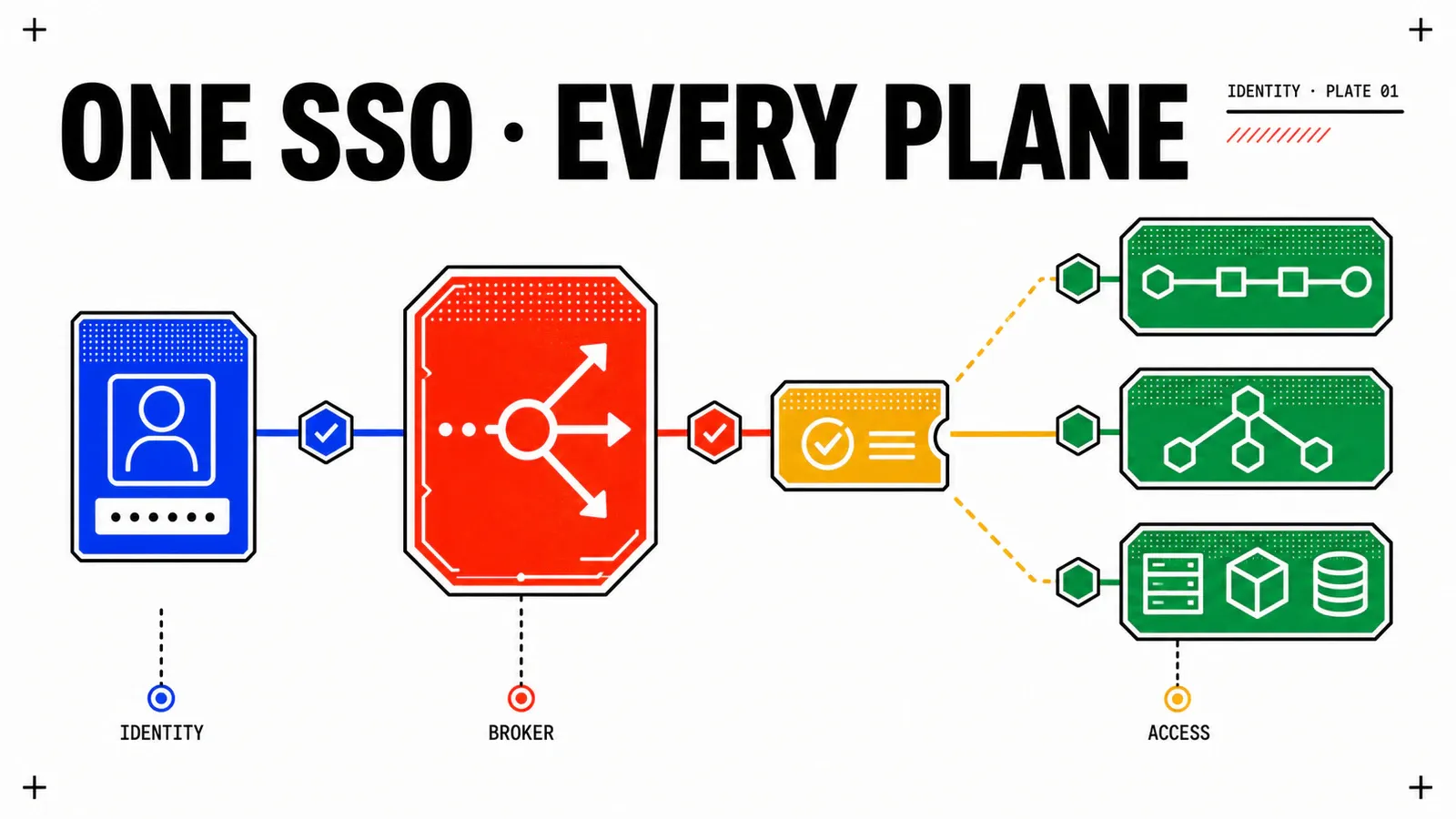
An audit requires a leaver’s access to be revoked across the whole estate in under 24 hours. Eight consoles, eight local accounts, a password spreadsheet shared by the on-call team: the honest answer is no. Federating authentication onto the corporate directory is the only path that changes that answer — provided you know which provider Broadcom actually documents, with which protocol, and what breaks at the very first login.
This article does not show how to create an application in Okta or in Azure. It draws the boundary: what VCF demands on the VCF Identity Broker side, what your provider must produce in return, and the precise places where the two fail to meet. Everything below comes from Broadcom and third-party vendor pages loaded on 15 August 2026. No lab was run, no screenshot was captured, no timing was taken: this is a scoping guide, not an execution report.
TL;DR
- The decision: pick the protocol before the provider. SAML 2.0 and OIDC do not ask for the same fields and, above all, do not expect the same claim names. Picking the wrong set produces no explicit error.
- The trade-off that costs: federating the consoles does not close everything. Identity Broker API tokens live for 30 days by default, and nothing in the loaded documentation establishes that they die when the upstream account is disabled. Revocation within 24 hours stays a procedure, not a consequence.
- Monday-morning action: before opening the wizard, create the Emergency Access Client, record the management domain’s local
administrator@vsphere.localaccount in the on-call runbook, and back up both the management domain vCenter and the VCF Identity Broker appliance.
What Broadcom documents, provider by provider
Compatibility is not a checkbox: it is a provider × protocol pair. The published matrix separates two axes that most comparisons merge — and merging them produces a false table.
| Axis | Published values | The question it answers |
|---|---|---|
| Authentication protocol | SAML 2.0, OIDC, LDAP |
how the user proves their identity |
| Provisioning | SCIM 2.0, JIT, AD/LDAP |
where users and groups come from |
The Identity Providers and Protocols Supported for VCF Single Sign-On page defines SAML 2.0 through the issuance of signed XML assertions, and OIDC as a protocol built on OAuth 2.0 whose identity token is JSON. It sorts providers into two families: modern identity providers and directory-based identity providers.
| Provider | Named by Broadcom | SAML 2.0 | OIDC | What establishes it |
|---|---|---|---|---|
| Okta | yes | announced by the index and the matrix | procedure page loaded | Okta 9.1 index + matrix |
| Microsoft Entra ID | yes | procedure page loaded | procedure page loaded | two dedicated pages |
| Ping Identity | yes | procedure page loaded | procedure page loaded | two dedicated pages |
| Microsoft ADFS | yes | parent index loaded | procedure page loaded | index + OIDC page |
| Generic SAML 2.0 | yes | procedure page loaded | — | one dedicated page |
| Active Directory | yes | — | — | through AD/LDAP |
| OpenLDAP | yes | — | — | through LDAP |
| Keycloak | no, nowhere | — | — | no page |
Two consequences. Ping Identity and Microsoft ADFS are not second-rank rows: each of their two protocol paths has a page. And the published phrase “Any SAML 2.0 Identity Providers” covers SAML 2.0, and only that; it does not open a generic OIDC support. Such a support announced in 9.1 circulates in search snippets but was not found on any loaded documentation page: it remains to be validated on your platform and grounds nothing here.
One verifiable curiosity that changes how you search: the URL whose last segment announces ...-with-okta-using-saml.html serves a page titled Configure Okta as an Identity Provider using OIDC, with OIDC fields and OIDC claims. Page renaming moved faster than the paths did. The consequence has to be owned: the URL of the Okta / SAML procedure page was not identified, so no detail of that procedure is quotable — only the existence of the path is, through the index and the matrix.
The generic path — and therefore Keycloak
Keycloak is named on no loaded Broadcom page: not in the matrix, not in the seven subsections of the identity-provider configuration step. The only path that encompasses it is Configure an Identity Provider using Generic SAML 2.0, and it encompasses it by protocol conformance, not by name.
The exact wording matters. Keycloak is a SAML 2.0 compliant identity provider; as such it falls into the published “Any SAML 2.0 Identity Providers” category, which VCF documents through a generic procedure. Broadcom names it nowhere, publishes no procedure for it, and makes no commitment about its behaviour. Protocol conformance and product support are not the same thing.
What the generic page requires is enough to scope the work without describing a single Keycloak screen:
- create a SAML 2.0 application in the provider’s admin console;
- supply the metadata, as a URL or as XML;
- choose the Name ID format and value;
- choose the SAML Context;
- add a group attribute — “In the group attributes section of the workflow you can add a group attribute to be called for in the SAML request”;
- choose a provisioning method:
SCIM,JITorAD/LDAP.
On the Keycloak side, these requirements map onto objects that the vendor’s own documentation names: the Server Administration Guide 26.7.1 describes “Creating a SAML client”, “Managing OpenID Connect clients” and “OIDC token and SAML assertion mappings” — “you can tailor what claims and assertions are stored in the OIDC token or SAML assertion”. That is where a groups claim expected by VCF would be produced. No loaded page, neither at Broadcom nor at Keycloak, describes that pairing. This article stops there, deliberately.
Two protocols, two claim sets
Here is trap number one, published in plain sight but never in one place. The names differ by protocol, case matters, and nothing in the interface warns you that you copied the wrong list.
| Claim role | SAML set | OIDC set |
|---|---|---|
| login identifier | userName |
preferred_username |
| email address | email |
email |
| domain | domain |
domain |
| first name | firstName |
given_name |
| last name | lastName |
family_name |
| group membership | groups |
groups |
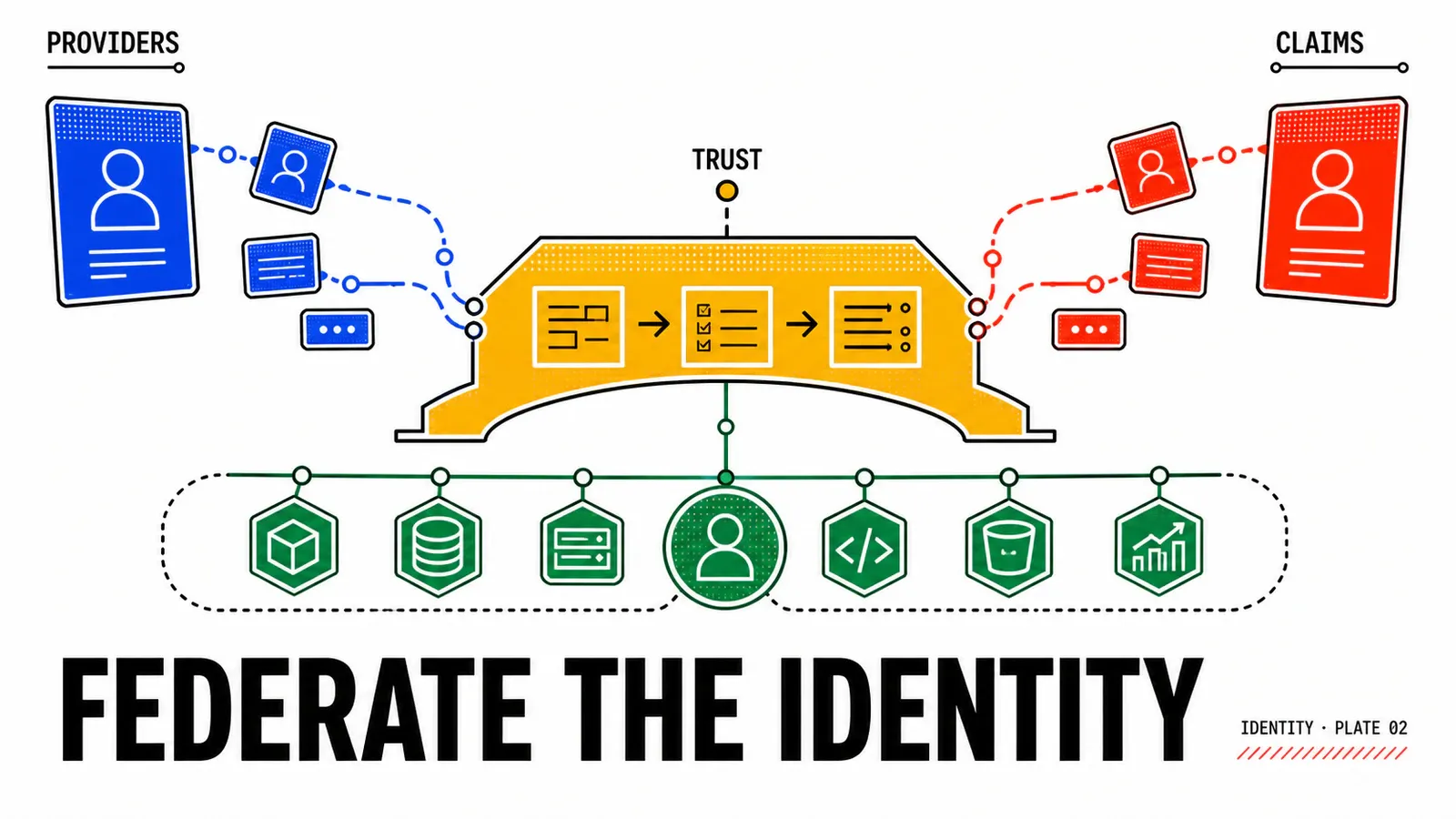
The SAML set comes from the Entra ID / SAML and Ping Identity / SAML pages: “Ensure that you add the following default claims when you configure your external identity provider. Note that these claims are case-sensitive”. The OIDC set comes from the Entra ID / OIDC, Ping Identity / OIDC and Okta / OIDC pages, with the same warning. The Ping Identity / OIDC page opens a relief valve — “if the default claims cannot be added, use alternative claim names and map them to appropriate attributes” — but that mapping is described field by field nowhere.
Only three names are common: email, domain, groups. No page shows the two lists side by side; the table above assembles five pages. Direct consequence: anyone migrating a SAML integration to OIDC, or the reverse, rebuilds their claim mapping — they do not copy it.
The fields of the Identity Provider Configuration screen diverge the same way. Sensitive values stay named placeholders, never examples: a fake secret ends up copy-pasted, a named placeholder does not.
oidc_fields:            # Entra ID, Ping Identity, ADFS, Okta
  idp_display_name: REPLACE_WITH_IDP_DISPLAY_NAME
  client_identifier: REPLACE_WITH_CLIENT_ID
  shared_secret: REPLACE_WITH_SHARED_SECRET
  openid_address: REPLACE_WITH_OPENID_ADDRESS
  redirect_uri: REPLACE_WITH_REDIRECT_URI
  ssl_certificate: REPLACE_WITH_CA        # required only with a self-signed certificate

saml_fields:            # Entra ID, Ping Identity, Generic SAML 2.0
  idp_display_name: REPLACE_WITH_IDP_DISPLAY_NAME
  metadata_mode: url | xml                # "Metadata URL" or "Metadata XML"
  metadata_value: REPLACE_WITH_IDP_METADATA
  name_id_format: REPLACE_WITH_NAMEID_FORMAT
  name_id_value: REPLACE_WITH_NAMEID_VALUE
  saml_context: PasswordProtectedTransport | Password | Unspecified
Three published details deserve a line in your architecture document. The Name ID: “The Name ID format is the value in the SAML response to identify the authenticated user”. Metadata: for a provider that is not publicly reachable, the generic page provides for supplying the XML instead of the URL — the mode a self-hosted provider will use. The SSL certificate on the OIDC side: “required only if a self-signed certificate is used”.
The real order of operations
The published journey has seven steps: instance selection, deployment mode, identity provider configuration, SSO for NSX and vCenter, SSO for VCF Operations and VCF Automation, optional SSO for the remaining components, role assignment. This article lives in the third, and that third step sends the operator out of VCF Operations mid-journey.
The round trip is published as such: the Ping Identity / SAML page writes, inside the VCF journey, “log in to your Ping Identity admin console and follow the steps in Ping Identity to create a SAML 2.0 application”. The generic page carries the same mechanic. Hence the only sequencing rule that matters: do not open the VCF wizard before you hold the right to create an application in the identity provider. On a directory run by another team, the wizard stays open for the length of a ticket.
prerequisites:
  elm_disabled_on_every_vcenter_instance: required  # and do not re-enable it afterwards
  management_domain_vcenter: "9.0 or later, VMware Cloud Foundation licence"
  all_objects_scope_in_vcf_operations: required for the operator
  configuration: "exclusively through VCF Operations, never from the components"
  target_components: "licensed, 9.0 or later"
  http_proxy_if_appliance_has_no_outbound_access: required
  prior_backup: "management domain vCenter + VCF Identity Broker appliance"
  right_to_create_an_application_in_the_idp: required
The backup instruction is published verbatim on the Okta and Ping Identity procedure pages — “It is highly advisable to create a backup of both the management domain vCenter and the VCF Identity Broker appliance”. It lives inside a provider configuration page, not in a backup page: exactly where nobody looks for it.
Two behaviours need an early decision. vCenter’s existing provider configuration is overwritten, whereas the other components receive SSO as an additional authentication source and require users and groups to be re-provisioned. Then, existing Active Directory, OpenLDAP or ADFS configurations are partially imported, but the import of modern providers — Okta, Entra ID, Ping — is restricted to embedded mode. Another page announces more broadly that an existing configuration can be reused: both statements are published, their exact composition is not. If your design lands on appliance mode, treat this as a decision criterion and verify it on your platform before promising any reuse of the existing setup.
The four places where it breaks
In the order in which the problem occurs, not the order in which you think of it.
1. The groups claim must exist and be populated. It appears in both mandatory sets, and nothing in the loaded pages describes what VCF does when it is absent or empty.
2. The provider may silently decide not to emit it. This comes from vendor documentation, not from Broadcom. Microsoft Learn publishes, for Microsoft Entra ID: “The number of groups emitted in a token is limited to 150 for SAML assertions and 200 for JWT, including nested groups. […] Exceeding this limit will cause Microsoft Entra ID completely omit sending group claims in the token” — a Microsoft Graph link is emitted instead. Published workarounds: restrict emission to groups assigned to the application, or set a group filter, the latter valid “only if a user belongs to 1,000 or fewer groups”. On the Okta side, the vendor’s documentation places the setting in the Sign On tab of the OpenID Connect application, OpenID Connect ID Token section, Group claim type field with the choice of Filter or Expression. A 100-group limit for the Okta claim circulates widely in search snippets: it was not found on any loaded Okta page, so it is not repeated here.
The resulting failure mode is counter-intuitive: a user who belongs to too many groups does not sign in “with fewer rights”, they sign in with no membership at all, on a token stripped of the claim. A clean service account belonging to a single group never reveals it.
3. The login format is not the one you expect. Broadcom KB 393150 publishes: “The user needs to log in using userName@domain in VCF SSO 9.0 for the login to be successful.” The case described is a UPN suffix different from the domain name, which forces a compound form — REPLACE_WITH_UPN@REPLACE_WITH_UPN_SUFFIX@REPLACE_WITH_SSO_DOMAIN. Declared affected products: VCF Operations 9.0 and vCenter 9.0.
4. Federating grants no rights. Once the components are connected, you still have to sign in locally to each component as administrator to assign the service roles. The six built-in VCF roles are mapped onto the component roles, and the documentation states that they are not intended to replace those authorization models.
Group received in groups |
Target VCF role | Expected component role |
|---|---|---|
grp-vcf-admins |
VCF Administrator | vCenter Admin, NSX enterprise_admin |
grp-vcf-viewers |
VCF Viewer | vCenter ReadOnly, NSX auditor |
grp-nsx-secops |
REPLACE_WITH_VCF_ROLE |
security role to assign inside NSX |
grp-app-webshop-owners |
REPLACE_WITH_VCF_ROLE |
delegation covered in the next article |
That mapping is constructed, and to be confirmed component by component. The third row is the instructive case: a “write NSX security policies” need is satisfied inside the NSX role model, not the VCF one. For the first login, a diagnostic order fits in one table — reconstructed from published prerequisites and limits, because no log path is published for federated authentication.
| Symptom | First hypothesis | Check |
|---|---|---|
| authentication refused while the provider reports success | login format | try the upn@domain form before any other diagnosis |
| login accepted, no group visible | groups claim not emitted |
count the memberships; restrict to groups assigned to the application |
| only some groups come through | group filter on the provider side | re-read the filter, check the filtering ceiling |
| claims present but ignored | claim case or claim name | compare against the set of the chosen protocol, not the other one |
| group present, no rights in a component | service role not assigned locally | sign in to the component as admin and assign the role |
| the wizard fails before the provider details | ELM still enabled, version, licence | walk the prerequisites again before retrying |
| the appliance cannot reach the provider | no outbound proxy | published requirement; the KB the page cites was not resolved |
| session still open elsewhere after logout | logout is per component and per browser | published behaviour, not a defect |
MFA, tokens, and rolling back
Product direction is explicit on the vSphere 9.0 side: “In vSphere 9.0 and later, external identity provider federation is the preferred authentication method for vCenter”, and “Native vCenter features for multi-factor authentication is deprecated in favor of leveraging the external identity providers capabilities or multi-factor authentication”. MFA is handled at the provider. On the Microsoft side, Entra Conditional Access applies “after first-factor authentication is completed”, targets by application and offers the “Require multifactor authentication” decision, under an Entra ID P1 licence — Microsoft documentation, not Broadcom.
What remains is what Broadcom’s documentation does not say. The only lever exposed in the SAML wizard is the SAML Context field, with three published values: PasswordProtectedTransport, Password, Unspecified — none of which corresponds to multi-factor authentication. From the loaded pages, then, it is unknown whether the Identity Broker can require an MFA context rather than merely inherit one, and no page describes what VCF does with a conditional-access denial or a mid-session posture change. The defensible wording: the provider’s policies apply at the door; what lives behind the door is governed by VCF’s tokens.
And that is where the running scenario has to pay. The Identity Broker issues its own tokens: API token 30 days by default, access token 30 minutes by default, capped by the API Token Expiry and Access Token Expiry settings under Fleet Settings then IAM Setting. Disabling the account at the provider closes the interactive front door; nothing in the loaded pages establishes that an already-issued API token then stops working. Until that is checked on your instance, the leaver procedure must include an explicit review of API clients and tokens. Second blind spot, this one published: “When you log out, the session ends exclusively for that particular VCF component within the designated browser”. A single sign-on is not a single sign-out.
Rolling back exists, it is documented, and it is blunt. From VCF Operations, Fleet Management then Identity & Access, you select the instance, open the Identity Source tab and run Reset SSO. What is lost is published: “The provisioned users and groups are removed. Ensure that the users and groups are assigned the required service roles in each component after you complete configuring the identity provider.” What is kept is published too: the deployment mode and the client component configuration. Changing the deployment mode goes through the same reset. No switch from one provider to another without interruption is published: promise neither a hot migration nor an impossible return.
Pitfalls
Do not test federation with a clean account
A service account belonging to a single group validates the pipe, not the volume. The real failure mode — a token issued without the groups claim because the user belongs to too many groups — only appears with an account deliberately overloaded with memberships. Plan both profiles, in that order.
Four escape hatches are documented, and they open before the first federated login. Local @vsphere.local accounts remain the only way into the SDDC Manager interface — “administrators are no longer able to log in to the SDDC Manager UI client with Single Sign-On users”, while the APIs do accept SSO users. vCenter “continues to have local accounts, for administrative access and error recovery”. The Managing API Clients and Tokens section documents the creation of an Emergency Access Client. And the prior backup is demanded by the procedure pages themselves.
What this article cannot tell you
Five points remain open after documentary verification: whether a SAML context requiring multi-factor authentication exists, how VCF behaves on a conditional-access denial, whether an API token survives deactivation of the upstream account, the detail of the ADFS / SAML procedure, and the exact composition of “reuse an existing configuration” with “import of modern providers restricted to embedded mode”. Each is settled on your instance, not in an article.
Two reflexes complete the list. Do not infer an available procedure from a supported protocol: the Okta / SAML path exists according to the index and the matrix, but its page could not be identified. And never confuse authentication with provisioning: SCIM 2.0, JIT and AD/LDAP answer “where do users and groups come from”, not “how do they prove their identity”.
Conclusion
If you read VCF Identity Broker: where VCF 9.1 single sign-on actually stops, you knew which consoles are covered; you now know what to feed them with, and at what price. The platform prerequisites are laid out in The new VCF 9 architecture explained to architects, extended on the hardening side by VCF 9.1: security and resilience.
Protocol first
It determines the fields, the objects to create and the claim names — case-sensitive. Copying a SAML mapping into an OIDC integration fails without a message.
Named is not compliant
Okta, Entra ID, Ping Identity and ADFS are documented by name. Keycloak is nowhere: it stays reachable through generic SAML 2.0, with no Broadcom commitment.
The directory does not go away
Federating the consoles does not replace Active Directory: the network plane still draws its identity from it. That is the subject of the next article.
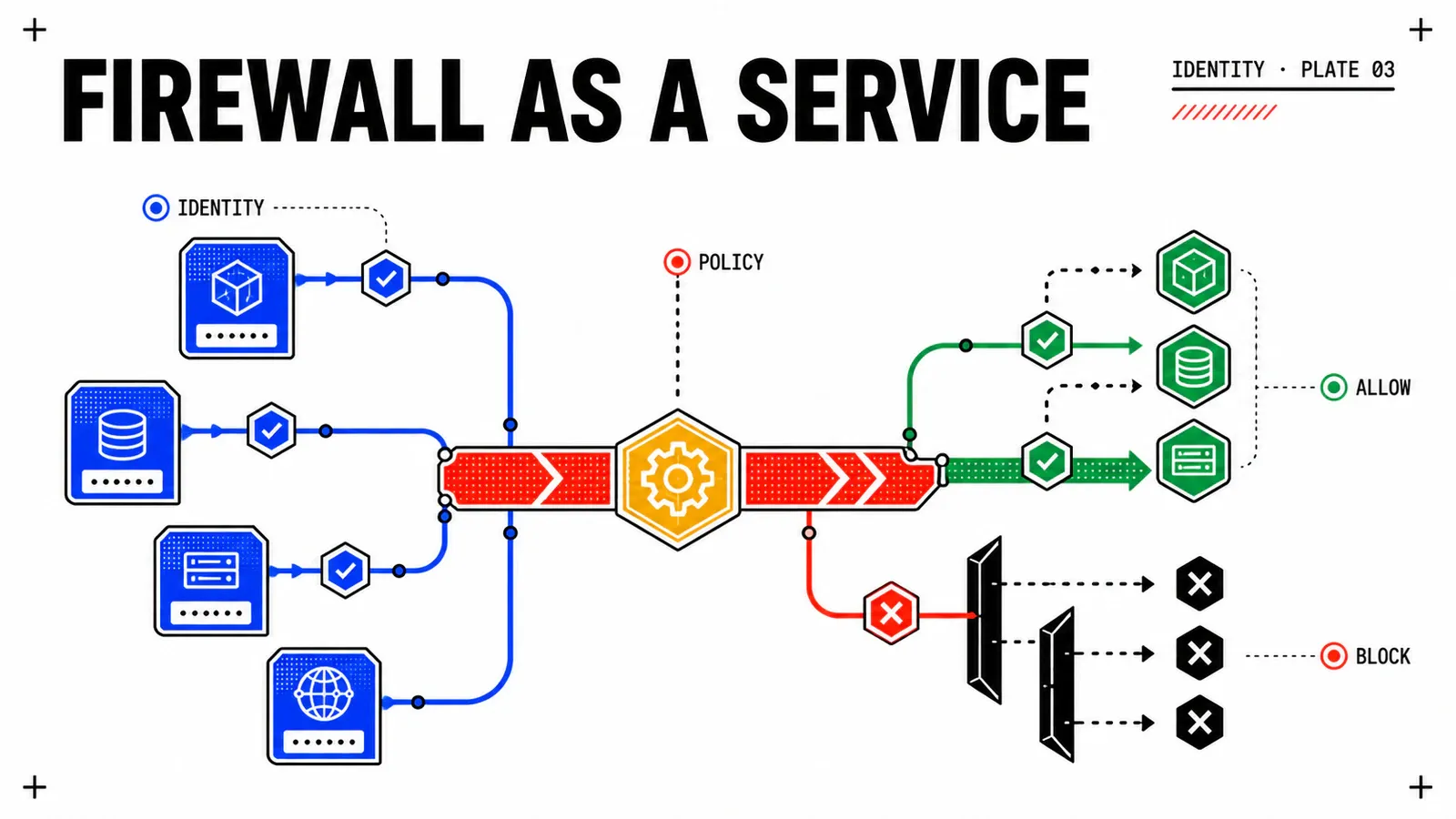
One last thing, and it is uncomfortable. The groups grp-vcf-admins, grp-vcf-viewers and grp-nsx-secops now arrive from the corporate provider and carry roles in vCenter, in NSX and in VCF Operations. The natural conclusion is that you hold an identity usable everywhere, including to decide who may talk to what on the network. That conclusion is wrong: the Identity Firewall function creates rules based on an Active Directory user group, and no loaded page connects the groups claim of a token issued by the VCF Identity Broker to a firewall rule object. The Active Directory domain corp.example therefore does not disappear because the consoles are federated elsewhere: it remains the identity source of the network plane. vDefend Distributed Firewall: zero trust at the workload level explains why, and what it costs.
Get the next one by email
New articles and series, sent when they are published. No other mail.