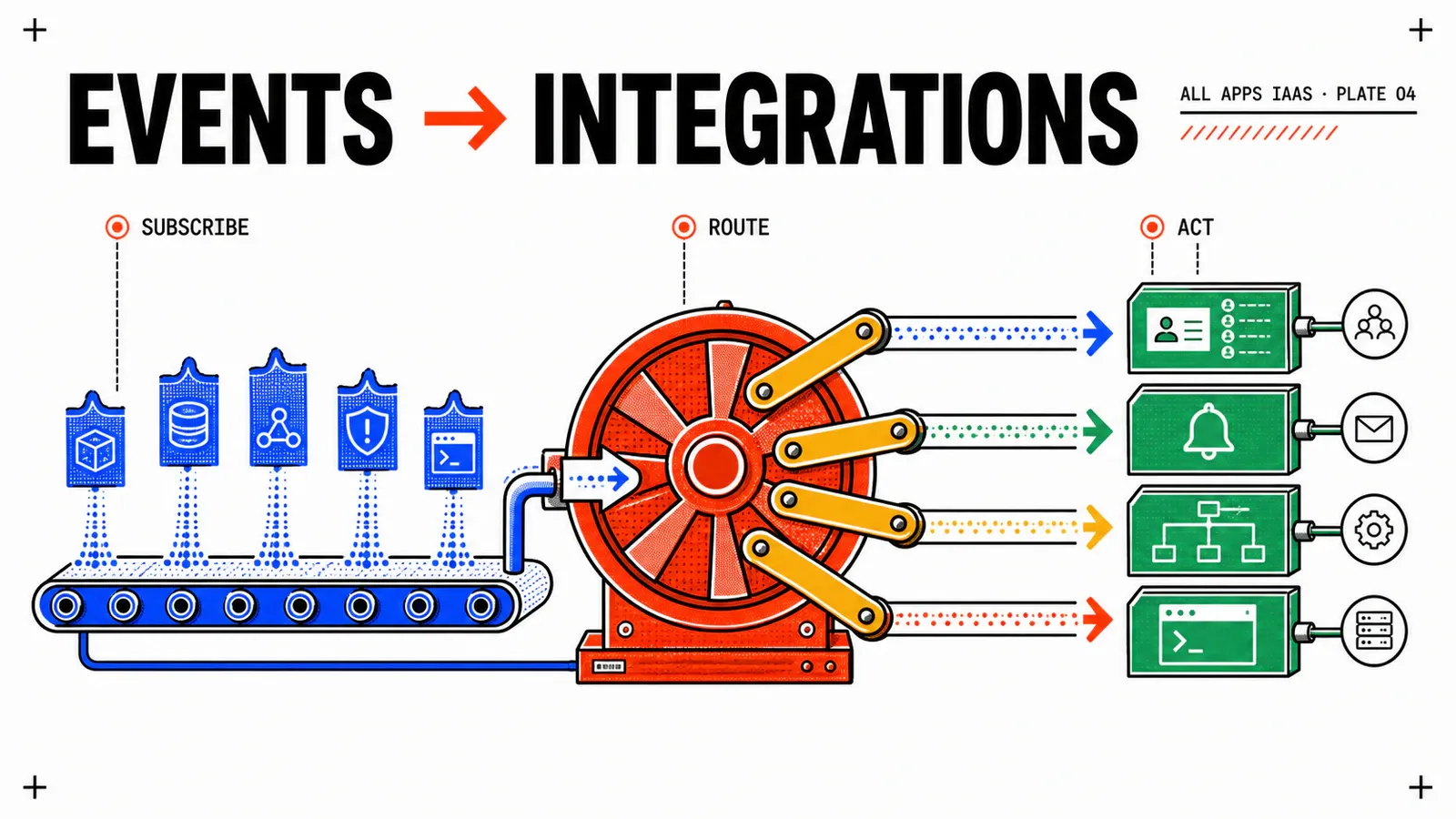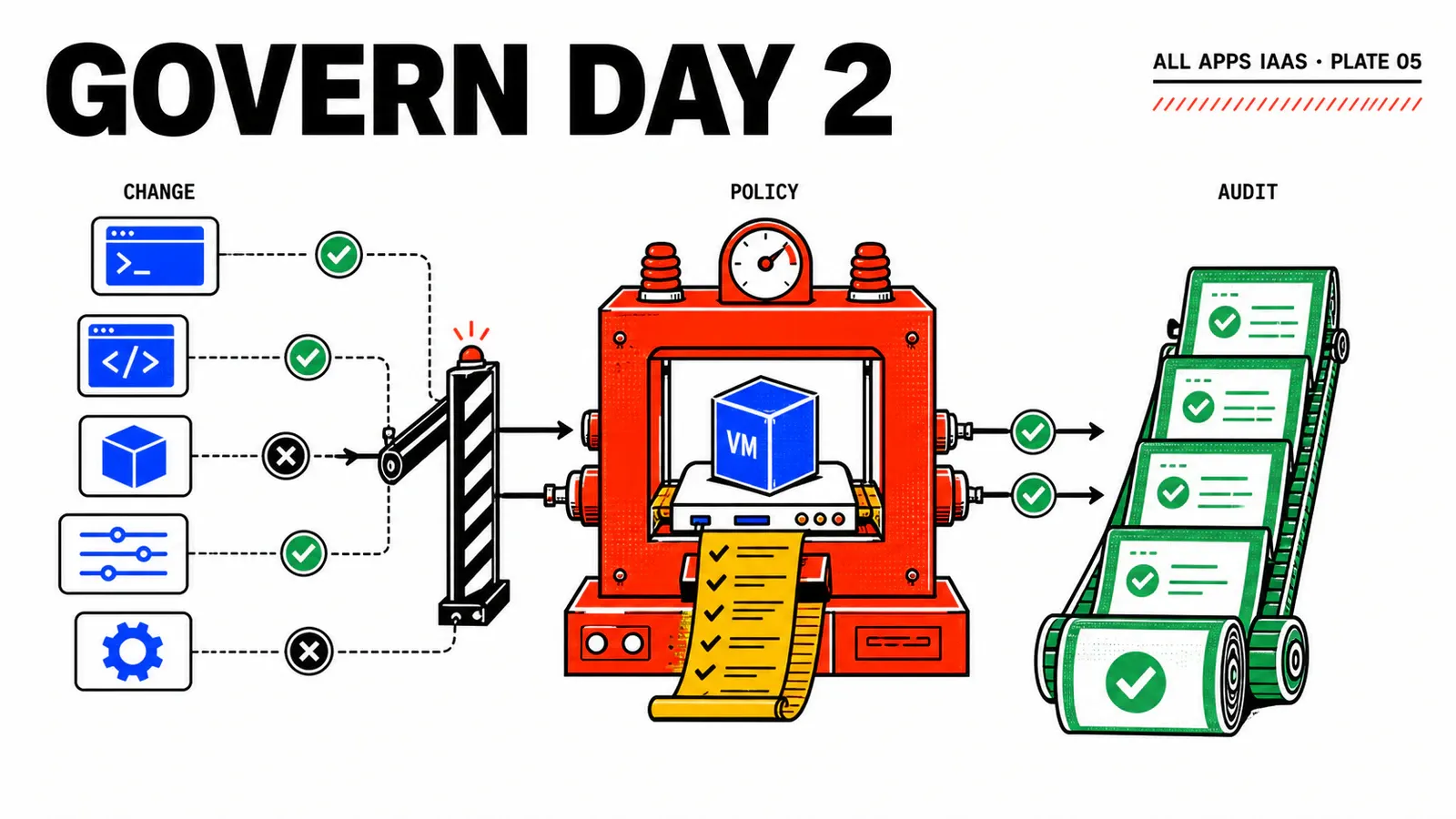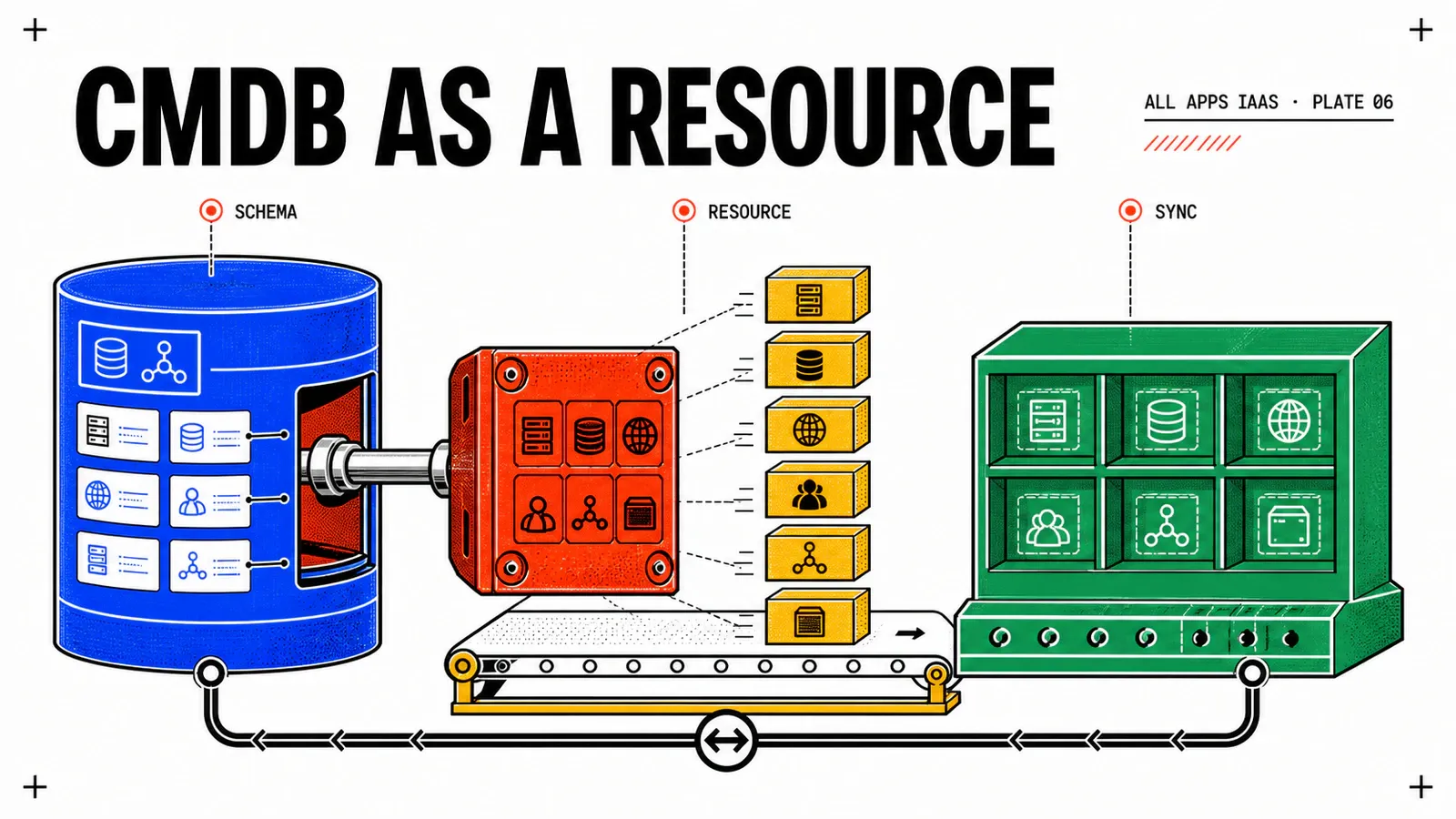
An Event Broker subscription can react when a VM is created, but it does not make the CMDB CI visible as part of the service. If that CI is missing, drifts, or refuses deletion, the deployment carries no dedicated state that explains the problem. A Custom Resource changes the contract: the external object becomes a managed resource with its own Create, Read, and Destroy lifecycle.
In this sixth installment, Custom.CMDB.CI joins the WebShop Blueprint. We will design its schema, three idempotent Orchestrator workflows, a reconciliation action, and—most importantly—a single-writer cutover from the temporary CMDB subscription introduced in the Event Broker article.
Validate the contract on the target instance
New schema and its lifecycle are documented for VCF Automation 9.1. The schema, workflow mappings, environment identifiers, and precise failure behavior must be validated on the installed build. CMDB calls below are pseudocode.
TL;DR
- Choose New schema for a REST API without an Orchestrator inventory object; Read is then mandatory and retrieves external truth.
- Use a stable
deploymentIdentity + logicalNamekey, never the display name alone, and make both Create and Destroy idempotent. - Remove old test deployments, disable the CMDB writer subscription, and only then activate the Custom Resource. The two mechanisms must never write concurrently.
From callback to first-class resource
A subscription responds to an event; a Custom Resource represents an object. Use it when the CI is a required part of the delivered service, its state must be visible from the deployment, and its deletion must be orchestrated with the VM. A subscription may remain useful for notification or audit, but it must no longer create or update the CI.
Broadcom documents two models in Custom Resources in VCFA Blueprints. Orchestrator inventory type exposes an SDK object known to a plug-in; Create returns that object rather than a primitive. New schema exposes YAML or JSON Schema properties and requires a Read workflow. For a CMDB reached through REST without an inventory plug-in, New schema is the direct path.
Dynamic Types becomes useful when operators must browse CIs in Orchestrator inventory and select typed objects. It is not required for every REST API. Start with the minimal contract and add a dynamic type only when inventory navigation creates measurable value.
Define a minimal schema
The type must start with Custom. and remain unique. Do not copy the entire CMDB model: the deployment only needs business inputs and a few observable outputs.
type: object
properties:
  deploymentIdentity:
    type: string
  logicalName:
    type: string
  environment:
    type: string
    enum: [dev, test, prod]
  owner:
    type: string
  costCenter:
    type: string
  criticality:
    type: string
    enum: [low, medium, high]
  externalId:
    type: string
    readOnly: true
  lifecycleState:
    type: string
    readOnly: true
  lastSync:
    type: string
    readOnly: true
  configurationHash:
    type: string
    readOnly: true
  ownerMechanism:
    type: string
    enum: [custom-resource]
    readOnly: true
required: [deploymentIdentity, logicalName, environment, owner, costCenter]
Keep outputs small and non-sensitive. No token, password, or complete HTTP response belongs in properties or logs. The CMDB connection uses HTTPS/TLS, validates hostname and an approved certificate chain in the appropriate trust store, and monitors rotation. Never disable verification, even when diagnosing an expired certificate; repair trust instead.
Automatic bindings are unavailable for CCI.Supervisor.Resource in the documented scope. The VM and CI therefore receive common business inputs. The exact mechanism providing deploymentIdentity must be observed and validated in the 9.1 editor; do not recycle an old Aria Automation 8.x resourceId path.
Make Create, Read, and Destroy converge
Create must survive a retry after timeout. It calculates a stable key, searches for the CI, then creates it or updates only fields owned by this service.
key = stableKey(deploymentIdentity, logicalName)
ci  = cmdb.findByKey(key)

if ci is absent:
  ci = cmdb.create(key, managedValues)
else:
  ci = cmdb.updateManagedFields(ci, managedValues)

return externalId, lifecycleState, lastSync,
       hash(managedValues), ownerMechanism="custom-resource"
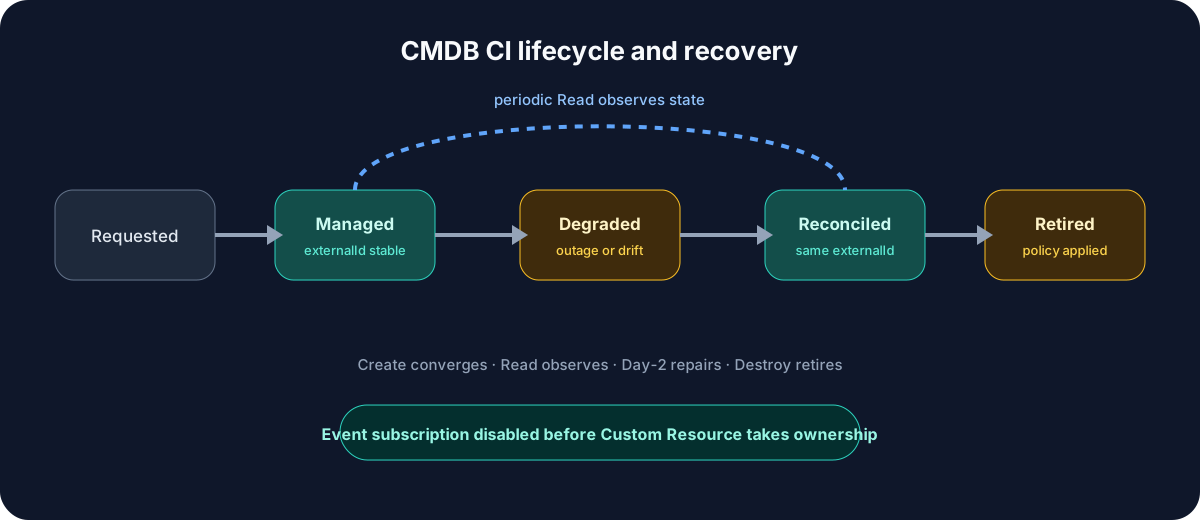
Read receives externalId, calls the CMDB with a short timeout, and returns observed state. A 404 becomes MISSING. A transient failure reports a recoverable error instead of inventing a green state. Read never recreates the CI: a read that writes could undo an intentional deletion without audit. Polling a few hundred resources can load an API, so minimize fields and retries and measure latency.
Destroy reads the CI first. If it is already missing or retired, it succeeds. If the expected key and management marker are absent, it stops for human review. Otherwise it applies enterprise policy—often Retired rather than physical deletion—and reads back the final state. A logical name alone is never sufficient authority to delete.
Read observes; Resynchronize repairs
Separating the operations makes drift visible. Read exposes MISSING, a changed hash, or an unavailable CMDB; the Day-2 action then performs an explicit, authorized, audited write.
Cut over to one writer
The largest risk is not YAML but transition. iaas-vm-create-cmdb already writes to the CMDB. Enabling the Custom Resource alongside it can create duplicates or alternating values even when each workflow is independently idempotent.
Perform the cutover in this order:
- stop new requests against the previous Blueprint version;
- remove its test deployments and prove the historical AD/CMDB cleanup completed;
- find residual CIs marked
ownerMechanism=eventand process them under policy; - disable
iaas-vm-create-cmdband wait for every active run to finish; - update
iaas-vm-delete-externalto retain AD cleanup but ignore CIs markedownerMechanism=custom-resource; - activate
Custom.CMDB.CIonly forprj-webshop-dev; - publish a new Blueprint version and deploy one canary;
- prove there is exactly one CI before sharing more broadly.
Make that ownership boundary visible in code, the CMDB, and the runbook. An audit subscription can remain active only if it performs no lifecycle write.
Add the resource to the Blueprint
This deliberately small fragment shares logical identity and business metadata with the VM. Without a supported CCI dependency, it assumes no ordering between their creation paths.
variables:
  deploymentIdentity: ${env.deploymentName}-${env.shortDeploymentId}
  vmResourceName: webshop-${input.vmRole}-dev-${env.shortDeploymentId}

resources:
  cmdbCi:
    type: Custom.CMDB.CI
    properties:
      deploymentIdentity: ${variable.deploymentIdentity}
      logicalName: ${variable.vmResourceName}
      environment: dev
      owner: team-platform
      costCenter: cc-042
      criticality: low
Validate final syntax against the schema generated by the instance. The first deployment should expose externalId, lifecycleState, lastSync, and configurationHash; a direct CMDB read must then find the same object.
The Resynchronize CMDB action designed in the Day-2 article reuses Create’s convergence core but requires a reason, validates project, and retains externalId. If the endpoint fails after creation, the VM should keep running while Read reports a clear failure. After recovery, reconciliation finds the same CI and the next Read becomes consistent. Failure before Create is different: if the CI is mandatory in the Blueprint, do not promise non-blocking provisioning. Observe whether deployment fails, remains incomplete, or rolls back, and inventory partial resources.
Decommission without orphans
Test deletion as Project Administrator. Observe Custom.CMDB.CI Destroy and the AD DeleteSuccess subscription independently; never assume an ordering between them. Then query VCF Automation, VM Service, AD, IPAM/DNS, and the CMDB. A deployment disappearing from the UI does not prove that every external system is clean.
Rollback first removes sharing from the new version, then disables hooks and the action without deleting workflows. Inventory every instance by externalId, delete canaries one at a time to exercise Destroy, process failures manually with traceability, and deactivate the definition only when no active instance depends on it. Revoke the CMDB secret last.
Official sources
The product contract comes from Broadcom’s documentation for Custom Resources in Blueprints, preparing Blueprints for Day-2, and All Apps Event Broker subscriptions. The stable key, ownerMechanism marker, and cutover order remain architecture choices to validate with the CMDB and target build.
Stable identity
Create, Read, and Destroy correlate the same externalId; a display name is insufficient.
Honest observation
Read queries the CMDB, exposes drift, and repairs nothing without an audited action.
Single-writer cutover
The event writer stops before the first deployment containing the Custom Resource.
The platform now owns a VM and a CI with correlated lifecycles. The final article turns those mechanisms into a repeatable acceptance run: nominal path, Day-2 roles, CMDB failure, rollback, and proof of distributed cleanup.
Get the next one by email
New articles and series, sent when they are published. No other mail.