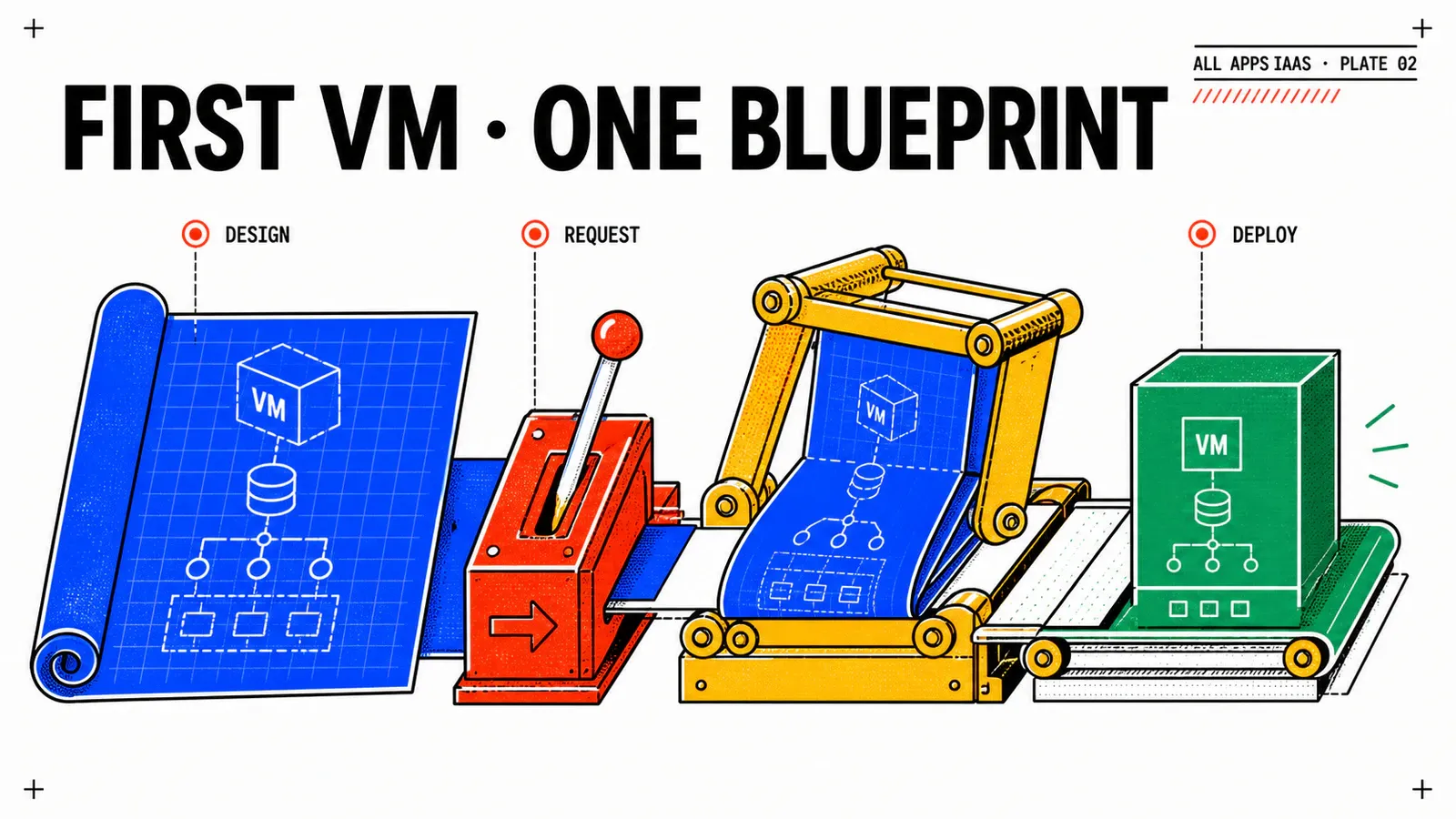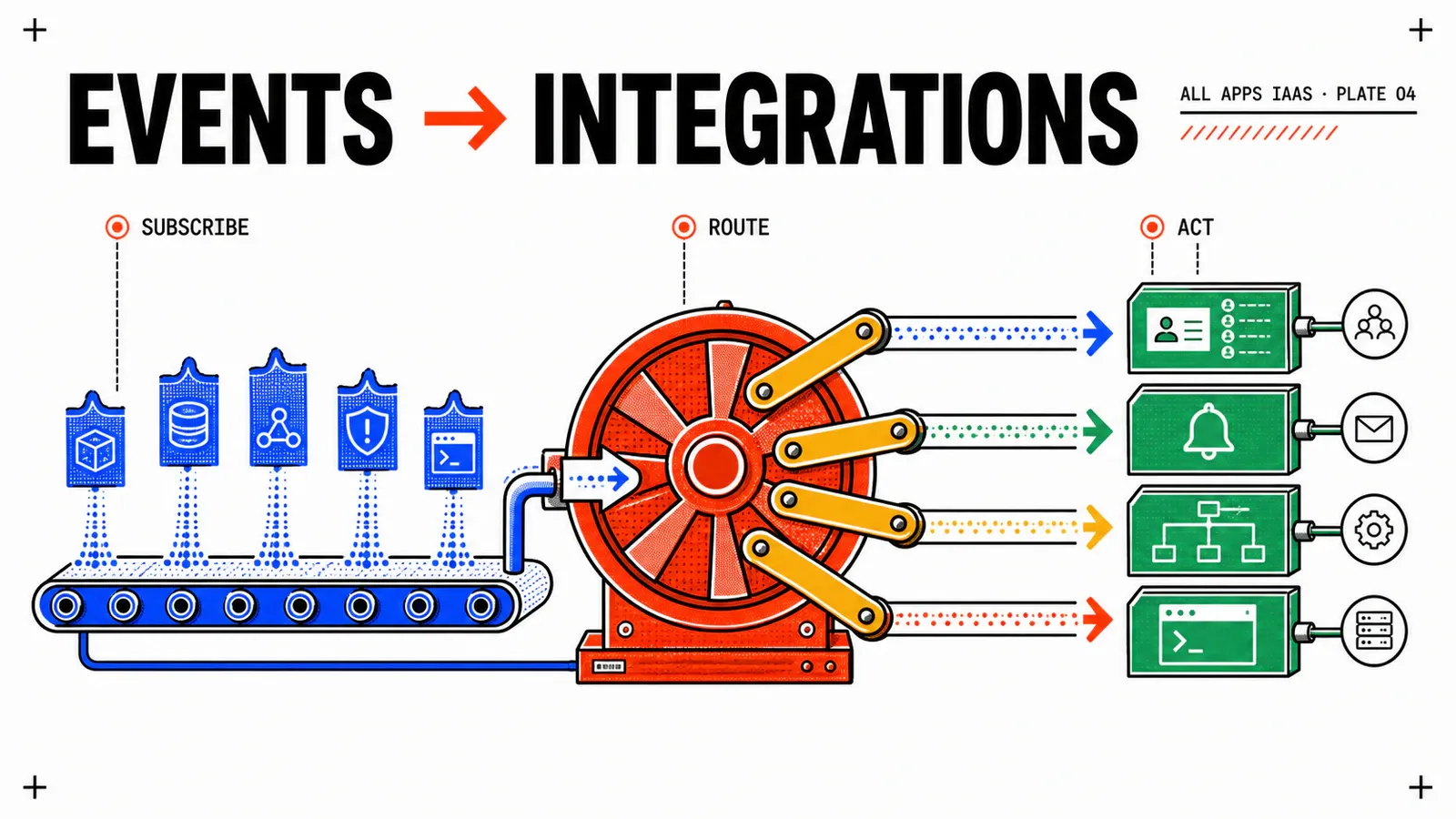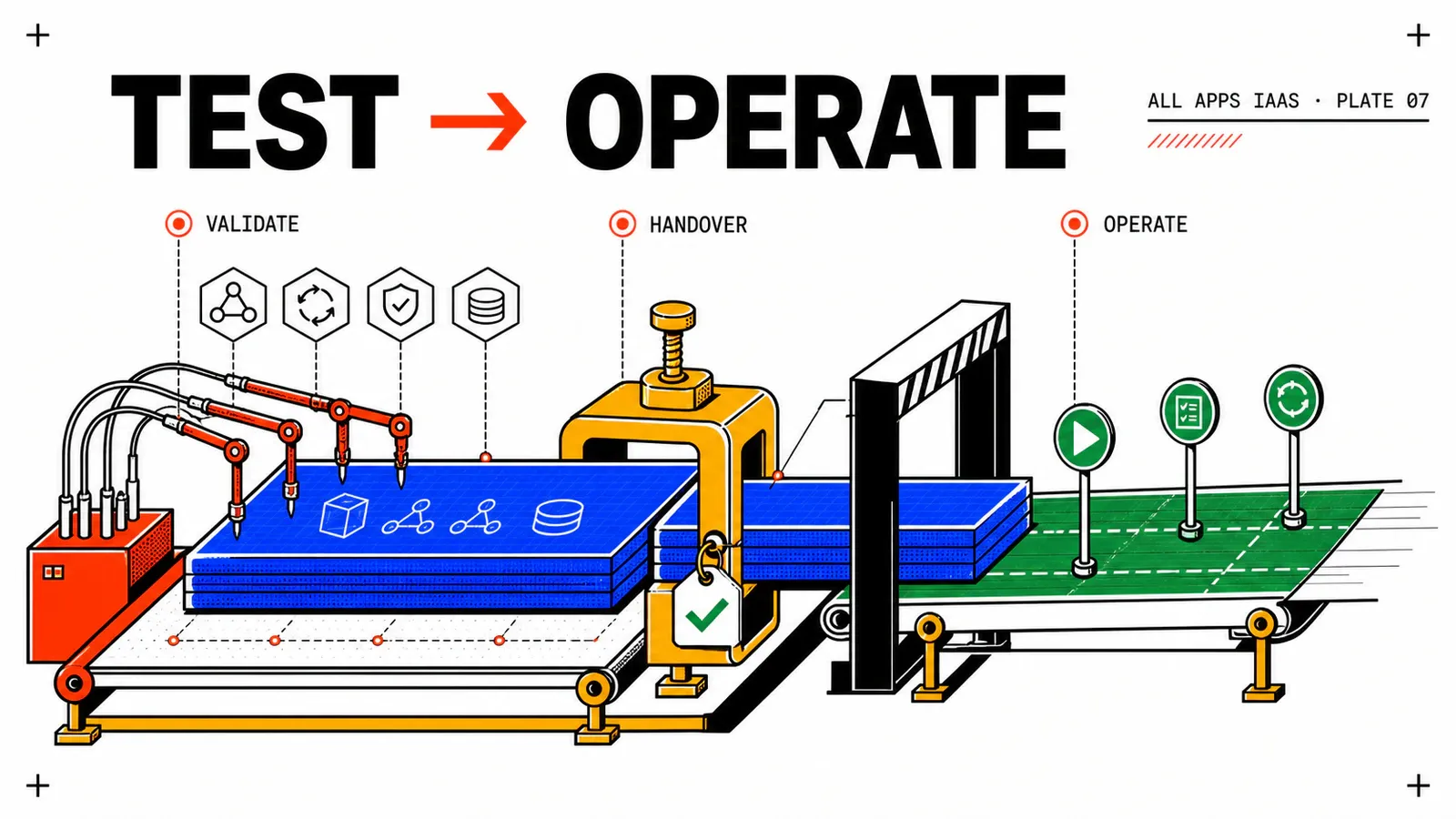
A VM marked Completed does not prove that the IaaS service works. You still need to demonstrate that the right version was requested, VM Service and cloud-init converged, AD and CMDB effects are replayable, actions match the caller’s role, and deletion leaves no external resource behind.
This final article turns WebShop DEV into an executable acceptance run. Its output is not a flattering catalog screenshot but a versioned evidence pack that the platform team can replay after a Blueprint, Orchestrator workflow, or VCF Automation build changes.
Designed procedure, no local execution claimed
The runbook uses documented VCF Automation 9.1 All Apps capabilities. Labels, run identifiers, and failure behavior must be recorded on your environment. This article supplies the protocol and expected outcomes, not fabricated observations.
TL;DR
- Test four convergence layers: VCFA deployment,
VirtualMachine Ready, completed cloud-init, and an HTTP 200 from/healthz. - Read truth from every external system. A successful Orchestrator run alone does not prove that the AD object, IP allocation, or CI is correct.
- A release is acceptable only after a failure test, role verification, and deletion followed by an orphan search.
Establish the acceptance contract
The starting point must be immutable: Blueprint name and version, source commit, VCF Automation build, project, Namespace, VPC, subnet, classes, and image. If two runs do not identify the same artifacts, comparing them has little value.
test_run:
  id: aa91-20260810-01
  operator: platform-validation
  vcfa_build: "9.1.x-recorded-at-run-time"
  blueprint:
    name: webshop-dev-vm-with-cmdb
    version: "1.0.0-rc1"
    source_commit: "record-the-tested-commit"
  scope:
    project: prj-webshop-dev
    namespace: ns-webshop-dev
    vpc: vpc-webshop-dev
    subnet: snet-web-front
  inputs:
    vmRole: web
    sshPublicKeyFingerprint: "record-the-fingerprint-only"
  evidence: []
  anomalies: []
  release_decision: not-evaluated
Never commit a token, password, private key, or Secret value. To prove that a secret was used, retain its logical name, version or fingerprint, and operation status. Redact internal addresses, DNs, personal identifiers, and payload content from screenshots.
Before Deploy, check project capacity, access to the existing Namespace, VM Class, image, StorageClass, network, and Orchestrator health. A read-only check against AD and the CMDB distinguishes a failed prerequisite from a failure introduced by the test.
| Preflight | Source of truth | Criterion |
|---|---|---|
| Published version | Blueprint history | matches the run record |
| Capacity | quotas and consumption | room for VM, storage, and IP |
| CCI dependencies | Namespace/Supervisor | class, image, storage accessible |
| Network | VPC and subnet | expected name and kind |
| Orchestration | health run | timestamped success, no write |
Broadcom KB 426105 documents an explicit VPC subnet reference through its name and kind. Keep the manifest actually accepted by your build as the syntax evidence.
Prove the nominal path in four layers
Request the Blueprint as Project User, not administrator. Immediately capture testId, deploymentId, version, submit time, VirtualMachine name, and the correlation identifier available in Event Log.
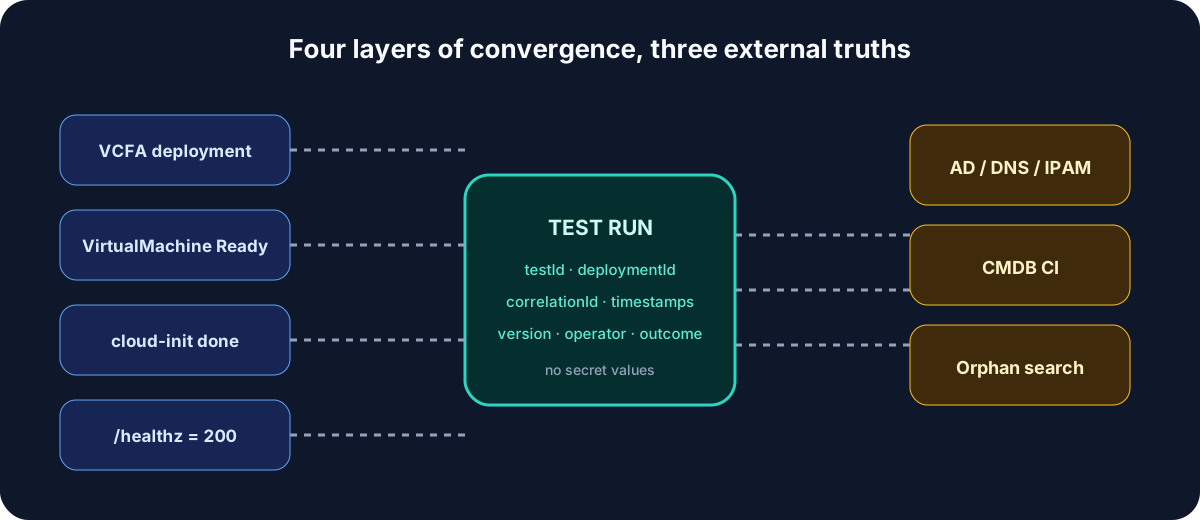
Read convergence from control plane to application:
- VCF Automation completes the deployment and exposes its resources;
- VM Service publishes VirtualMachine conditions and the observed address;
- the guest reports
cloud-init status: donewithout a final error; - WebShop returns
200from/healthzthrough a documented observation path.
When Namespace access is authorized, these commands provide useful detail:
kubectl -n ns-webshop-dev get virtualmachine
kubectl -n ns-webshop-dev describe virtualmachine VM_NAME
Inside the guest, verify initialization and application:
cloud-init status --long
sudo tail -n 80 /var/log/cloud-init-output.log
curl --fail --show-error http://127.0.0.1/healthz
A command that cannot run from the test workstation is not automatically a Blueprint failure. Record whether the observation uses remote console, SSH through a bastion, or an authorized workflow. Broadcom’s All Apps Blueprint documentation and sample Blueprints define the model; your observed manifest is evidence for the real build.
Verify external truth and idempotency
For every effect, query the system that owns it. A VM name is a useful label, not a global identity.
| Effect | Correlation retained | Success |
|---|---|---|
| AD computer account | deploymentId, correlationId, redacted DN/ID | one deterministic object in the expected OU |
| DNS/IPAM | allocation ID, redacted IP/FQDN | right block, no duplicate |
| CMDB CI | deploymentId, externalId, lastSync | one active CI, correct owner |
| Custom Resource | externalId, hash, Read run | VCFA state matches CMDB |
Broadcom KB 393273 automates AD computer-account lifecycle after ABX deprecation; creating that object does not prove that Linux joined the domain. If guest join automation exists, test it separately. For the CMDB, replay Resynchronize CMDB: externalId must remain unchanged, and only lastSync or a genuinely drifted field should move. A second execution that creates another CI fails acceptance.
The non-blocking subscriptions that remain active—AD and, optionally, audit—run in parallel. Never infer ordering from their timestamps. Correlate each run to the request and validate final state in the target. The old iaas-vm-create-cmdb writer stays disabled: Custom.CMDB.CI is the sole mechanism allowed to write the CI lifecycle.
Test three roles and one useful failure
Open separate sessions for Organization Administrator, Project Administrator, and Project User. The Project User should see power, console, and reconciliation but not Delete, Resize, or disk actions. The Project Administrator exercises snapshots, Resize on a powered-off VM, and Delete. The organization administrator proves policy administration and recovery. Compare effective actions with webshop-developer-actions, webshop-project-admin-actions, and webshop-organization-admin-actions defined in the Day-2 article.
Now introduce a controlled failure: make the test CMDB endpoint unavailable after creation. The next Read of the Custom.CMDB.CI Custom Resource must report a recoverable error without changing externalId, while the VM and /healthz remain available. Restore the endpoint, run reconciliation, and verify that the same CI becomes consistent.
A second isolated test disables CMDB access before a new request. Because Custom.CMDB.CI is mandatory, do not expect a disguised partial success. Observe whether the build fails, leaves deployment incomplete, or rolls back, then inventory VM, CI, AD account, and IP. Turn that observation into a build-specific runbook rule.
Do not silently repair the demonstration
If the Blueprint or workflow changes, publish a new version and rerun acceptance under a new ID. Modifying the tested artifact without a record destroys reproducibility and makes rollback ambiguous.
Delete and demonstrate zero orphans
The Project Administrator requests deletion. Observe Custom.CMDB.CI Destroy and iaas-vm-delete-external for AD independently; the latter must continue to ignore CIs marked ownerMechanism=custom-resource. Then query every source of truth: deployment absent, VirtualMachine absent, cloud-init Secret deleted only when deployment-owned, AD account processed under policy, IP released or archived, and CI retired or deleted. A precreated shared Secret must remain intact.
Choosing delete, disable, or archive belongs to enterprise policy. Acceptance checks compliance and counts orphans. An option that ignores deletion errors can remove the VCFA deployment while leaving an object, so it always requires a final external search.
Release rollback follows a safe order: remove the faulty version from the catalog, disable only the dangerous integration, retain useful reads and cleanup, restore the previous published version, search for objects created between recorded timestamps, and reconcile them with idempotent workflows. Rehearse the path before go-live; a rollback that exists only in writing is a hypothesis.
Make the release decision
The decision combines nine pieces of evidence: version and inputs, deployment, VM conditions, cloud-init and health, Event Log, Orchestrator runs, external objects, Day-2 menus, and orphan search. Every deviation receives an owner, severity, and explicit disposition. The series is complete when the service can be requested, operated, broken, repaired, and removed repeatedly—not when the first VM appears.
Official sources
The protocol combines Broadcom’s documentation for All Apps Blueprints, Event Broker subscriptions, Day 2 Action Policies, and Custom Resources. Failure states and condition labels remain observations to capture on the instance, not claimed behavior.
Correlate
One test ID connects version, deployment, events, workflows, and external objects.
Break usefully
The CMDB outage measures observation, idempotency, and partial behavior of the build.
Clean for real
A vanished deployment starts the orphan search; it never replaces it.
Get the next one by email
New articles and series, sent when they are published. No other mail.