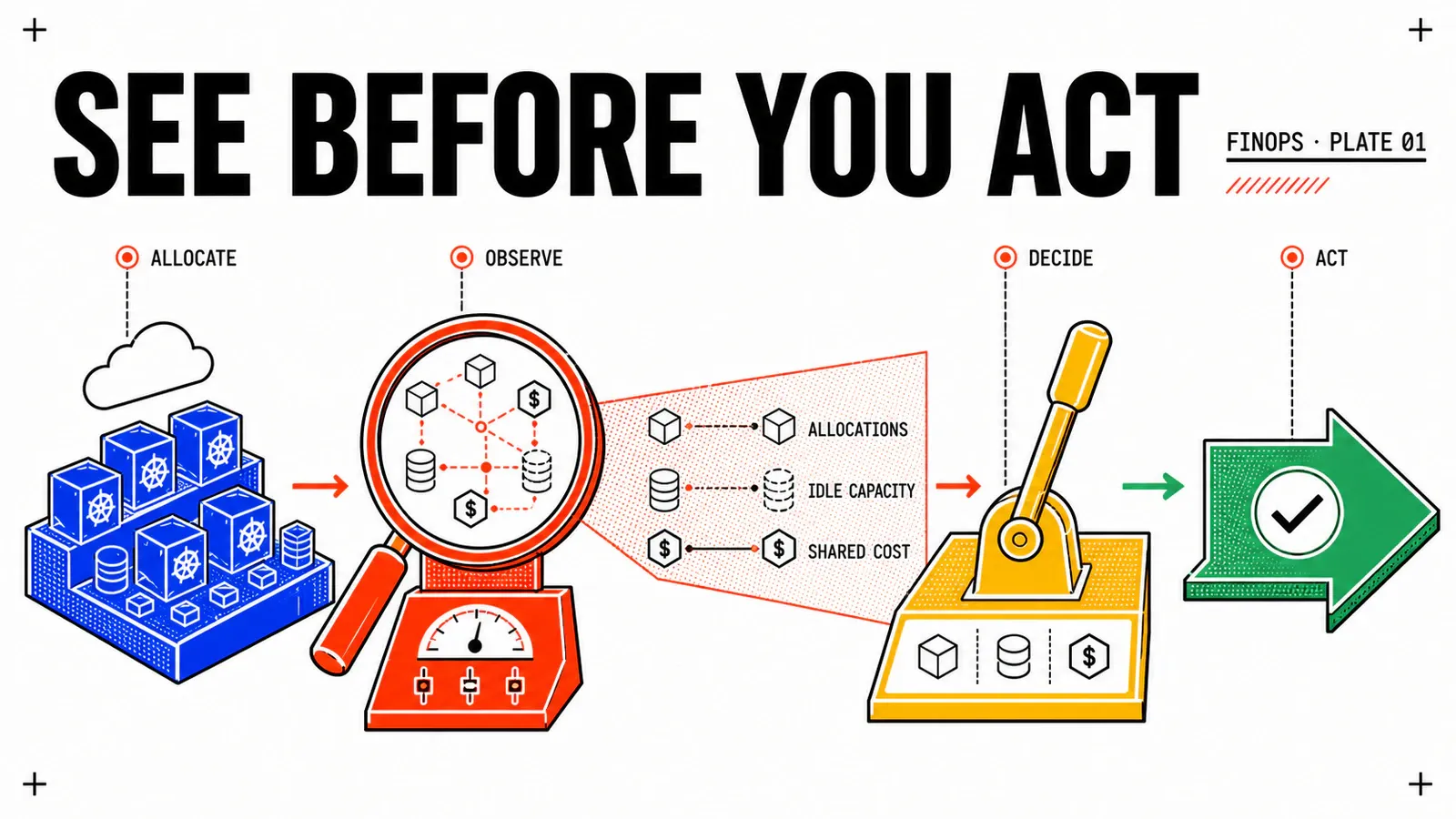
The per-namespace allocation is out, finance has read the table, and the next question lands: how much of that number is capacity that was reserved and never consumed? So you are asked to lower the requests on three applications. The application owner asks only one question back, and it is a far better one: what exactly happens to my Pod when someone changes that number?
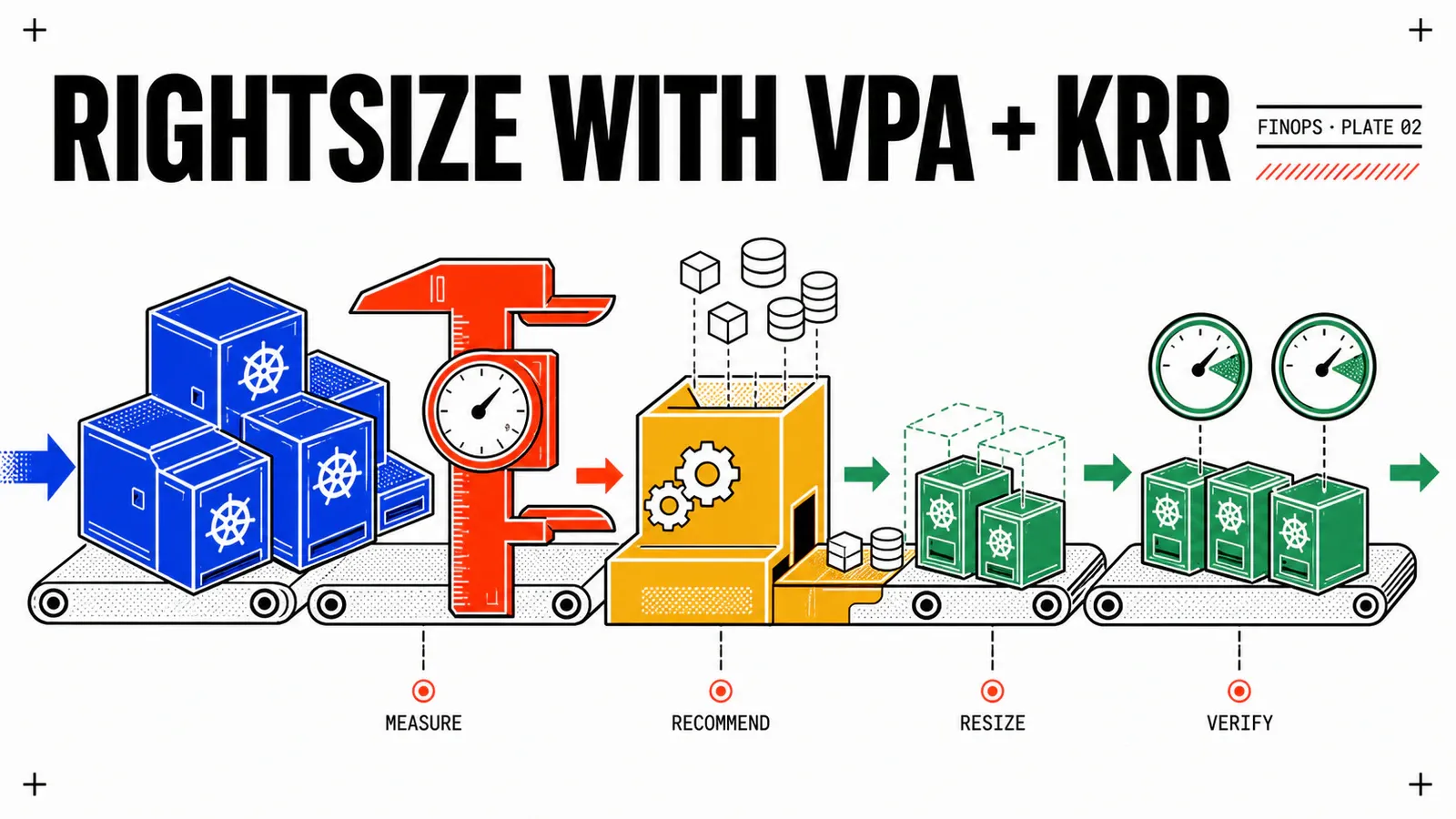
This article answers that one. It does not sell a saving: it walks a causal chain bounded by version — where the number goes, who reads it, who changes it, and what the kubelet does with the change. The two tools in the title do not sit at the same place in that chain, and that is the core of the piece: KRR recommends and explains, VPA recommends and applies. They are not rival products, they are two floors. No lab was run here: what follows is a reading of the upstream projects’ source files, with its gaps stated out loud and every instance-specific value left as REPLACE_WITH_*.
TL;DR
- The decision: write
updateModeexplicitly on everyVerticalPodAutoscalerobject, including when the answer isOff. The project’s API reference publishes “Controls when autoscaler applies changes to the pod resources. The default is ‘Recreate’.” A VPA object without that field evicts Pods while you believe you are “just looking”. - The trade-off that costs:
controlledValuesdefaults toRequestsAndLimits, and the documentation states that “the limit is scaled proportionally to the request”. You think you are only touching the scheduling reservation; you are also moving the runtime ceiling, therefore the OOM threshold, on a workload whose memorylimitwas precisely the safety margin. - Monday morning: run the two PromQL queries in this article to get your
requested/usedratio per namespace, then drill down to the container before deciding anything. This blog will not publish a fleet average in its place.
What this article puts a number on — and what it refuses to
This series opens every article with a figure contract. It is written for the reader, not for the author.
What this article publishes: version numbers and mechanism states (alpha, beta, stable, GA, deprecated, removed); parameter defaults, together with the tool and the file that publish them; percentiles and aggregation windows, cited as tool defaults and never as engineering best practice; a PromQL query you run on your own cluster.
What this article does not publish: no amount, no currency, no unit cost; no savings percentage, neither its own nor a vendor’s; no fleet statistic of the “clusters are over-provisioned by N times” kind; no performance, overhead or convergence-time figure.
The number this article will not publish
A range for the average over-provisioning of Kubernetes clusters circulates widely, and an earlier draft of this article carried it. No page loaded on 2026-08-16 establishes it: not the Kubernetes documentation, not OpenCost, not the VPA repository, not the KRR repository, not the FinOps Foundation. The replacement is not another number, it is a method — the PromQL query further down. A waste ratio is a property of your cluster; the only value that commits you in front of a committee is the one you collected yourself, on a date, over a window you name.
The only notion of waste this article uses comes from the upstream project itself. VPA’s API reference defines the upperBound field as “Maximum recommended amount of resources. […] Any resources allocated beyond this value are likely wasted.” It is computed on your Pods, dated by the recommender’s window, and published by the project rather than by an optimisation vendor.
Two floors: KRR reads and explains, VPA reads and acts
This is the point most comparisons miss, and it governs everything else: the two tools do not read the same source.
VPA reads metrics.k8s.io. The Kubernetes documentation states: “The VerticalPodAutoscaler requires a metrics source, such as Kubernetes’ Metrics Server add-on, to be installed in the cluster. The VPA components fetch metrics from the metrics.k8s.io API.” The repository’s installation guide is explicit about the prerequisite: “The metrics server must be deployed in your cluster.”
KRR reads Prometheus. The repository publishes: “It gathers pod usage data from Prometheus and recommends requests and limits for CPU and memory.” Published prerequisites: Prometheus 2.26+, kube-state-metrics and cAdvisor, plus five named metrics.
VPA can also read Prometheus, but that is not its default: the recommender’s storage flag is checkpoint, supported values prometheus, checkpoint, with prometheus-address at http://prometheus.monitoring.svc. In checkpoint mode, the history lives in VerticalPodAutoscalerCheckpoint objects inside the cluster.
The consequence is not “one is lighter than the other”. KRR has nothing to install in the cluster because it queries a time-series database that is already there. VPA installs three components because it has to act. Reading and acting do not carry the same prerequisites.
Those three components are named by the repository: “The Vertical Pod Autoscaler consists of three parts. The recommender, updater and admission-controller.” The recommender queries usage and writes four values into .status.recommendation.containerRecommendations[]. The updater compares the current request to the recommendation and, depending on the mode, evicts the Pod or resizes it in place — “the updater respects PodDisruptionBudgets to minimize service impact”. The admission controller is a mutating webhook that applies the target recommendation to Pods at creation.
| Field | Published definition |
|---|---|
target |
Recommended amount, within the bounds of the ContainerResourcePolicy |
lowerBound |
Minimum recommended; below it, “likely to have significant impact on performance/availability” |
upperBound |
Maximum recommended; beyond it, “any resources allocated beyond this value are likely wasted” |
uncappedTarget |
Target computed without the ContainerResourcePolicy; status indication only |
The gap between uncappedTarget and target measures how much your resourcePolicy is capping the recommendation. It is the indicator nobody looks at, and it is free.
On the KRR side the boundary is sharp, and it must be stated correctly. The CLI ships under the MIT licence; it writes nothing into the cluster. Automatic application of recommendations belongs to KRR Enforcer, a separate component the repository presents under “Auto-Apply Mode”. Writing that KRR resizes Pods is wrong. The vendor’s pricing page publishes neither tier nor amount: it offers a quote form.
Finally, the KRR repository publishes a “Difference with Kubernetes VPA” section. That is a table written by one of the two compared tools about the other, and it must be quoted with its author named. Two of its cells call for a correction. Its “Default History: 8 days (VPA)” line is accurate for memory — memory-aggregation-interval 24h multiplied by memory-aggregation-interval-count 8 — but moot for CPU, which VPA handles through an exponentially decaying histogram rather than a window. Its “Supports HPA: ❌ Not supported” cell on the VPA side is contradicted by VPA’s own documentation, as covered below.
VPA’s six update modes, and the default that evicts
The published enumeration of the stable autoscaling.k8s.io/v1 API is Enum: [Off Initial Recreate InPlaceOrRecreate InPlace Auto].
| Mode | State | What happens to the Pod | Eviction |
|---|---|---|---|
Off |
stable | nothing; the recommendation is written to .status. Published: “This can be used for a “dry run”.” |
no |
Initial |
stable | applied at Pod creation only, never during its life | no |
Recreate |
stable — default value | “can update them during the lifetime of the pod by deleting and recreating the pod” | yes |
InPlaceOrRecreate |
GA since VPA 1.6.0, enabled by default | attempts in place; “if in-place update fails, VPA will fall back to pod recreation” | yes, as fallback |
InPlace |
alpha, VPA 1.7.0+ and Kubernetes 1.33+ | “will only attempt to update pods in-place and will never evict them” | never |
Auto |
deprecated since VPA 1.4.0 | alias of Recreate; “Deprecated: This value is deprecated and will be removed in a future API version.” |
yes |
The third row is the most important one. The API reference publishes, for updateMode: “The default is ‘Recreate’.” A VerticalPodAutoscaler object written without updatePolicy.updateMode evicts Pods. That is not an opinion about the project’s caution, it is the published default.
The timeline below comes from the published_at fields of the GitHub releases API on the kubernetes/autoscaler repository, not from the dates rendered by HTML pages.
| Tag | Published on | What changes |
|---|---|---|
vertical-pod-autoscaler-1.4.0 |
2025-05-21 | in-place behind the alpha InPlaceOrRecreate gate; Auto deprecated |
vertical-pod-autoscaler-1.5.0 |
2025-09-23 | gate enabled by default — the mode goes beta |
vertical-pod-autoscaler-1.6.0 |
2026-02-12 | “Promote InPlaceOrRecreate feature to GA, defaulted to enabled” |
vertical-pod-autoscaler-1.7.0 |
2026-05-29 | InPlace mode; InPlaceOrRecreate gate removed; --in-place-skip-disruption-budget goes beta |
vertical-pod-autoscaler-1.7.1 |
2026-07-26 | latest tag collected |
Three pages of the same ecosystem currently describe this mechanism in three different states, and none of them is wrong. The VPA repository’s known-limitations.md still opens its list with “Whenever VPA updates the pod resources, the pod is recreated” — true for Recreate and Auto, false for both in-place modes. The kubernetes.io post dated 2025-12-19 states that InPlaceOrRecreate “has graduated to beta” — accurate on its date, stale since 2026-02-12. The features.md file carries the full FEATURE STATE block: alpha in 1.4.0, beta in 1.5.0, GA in 1.6.0.
The reusable rule of this article
Content that describes VPA without naming the mode describes indeterminate behaviour. Content that describes a feature state without its date describes an instant. On this subject, a claim without a version and without a date is worth nothing — including this one, which carries both. Proof by example: this series’ research contract, written from the official December 2025 post, stated “InPlaceOrRecreate: beta”. That was a reading of a first-party source, and it had been stale for six months.
Observable behaviour is the product of two manifests
resizePolicy does not live in the VPA object. It lives in the container spec, therefore in the workload manifest.
apiVersion: apps/v1
kind: Deployment
metadata:
  name: webshop-app
  namespace: webshop-app
spec:
  replicas: REPLACE_WITH_REPLICA_COUNT   # ≥ 2 for the updater to act
  selector:
    matchLabels:
      app: webshop-app
  template:
    metadata:
      labels:
        app: webshop-app
    spec:
      containers:
        - name: app
          image: REPLACE_WITH_IMAGE_REFERENCE
          resizePolicy:
            - resourceName: cpu
              restartPolicy: NotRequired       # published default; hot resize
            - resourceName: memory
              restartPolicy: RestartContainer  # explicit choice
          resources:
            requests:
              cpu: REPLACE_WITH_CPU_REQUEST
              memory: REPLACE_WITH_MEMORY_REQUEST
            limits:
memory: REPLACE_WITH_MEMORY_LIMITapiVersion: autoscaling.k8s.io/v1
kind: VerticalPodAutoscaler
metadata:
name: webshop-app
namespace: webshop-app
spec:
targetRef:
apiVersion: "apps/v1"
kind: Deployment
name: webshop-app
updatePolicy:
updateMode: "InPlaceOrRecreate" # always explicit — the default is Recreate
resourcePolicy:
containerPolicies:
- containerName: "app"
controlledValues: RequestsOnly # the default touches limits too
controlledResources: ["cpu", "memory"]
minAllowed:
cpu: REPLACE_WITH_MIN_CPU
memory: REPLACE_WITH_MIN_MEMORY
maxAllowed:
cpu: REPLACE_WITH_MAX_CPU
memory: REPLACE_WITH_MAX_MEMORYThe Kubernetes documentation publishes the exact example of that coupling, for a container with NotRequired on CPU and RestartContainer on memory: “If only CPU resources are changed, the container is resized in-place. If only memory resources are changed, the container is restarted. If both CPU and memory resources are changed simultaneously, the container is restarted (due to the memory policy).”
Two files, written in most organisations by two different teams, and a behaviour that is the product of both. That is where rightsizing breaks — a ticket describing what VPA does without naming both the mode and the workload’s resizePolicy describes nothing actionable.
controlledValues deserves the same care. Published default: “The default is “RequestsAndLimits”.” Its definition: “resource request and limits are scaled automatically. The limit is scaled proportionally to the request.” The other value, RequestsOnly, “only sets requests, leaving limits unchanged”. This is the precise answer to “why does rightsizing start with requests”, and it is not the expected one: cost is driven by requests because that is what the scheduler reserves, but VPA, by default, does not stop there.
One small vocabulary dissonance to know before writing a manifest: the VPA repository’s features.md uses resizePolicy: PreferNoRestart in one note and NotRequired in another. The value the Kubernetes API accepts is NotRequired; PreferNoRestart is the name used by the design KEP. Nothing in the reading supports concluding that implementations diverge — but in a YAML file, only NotRequired is accepted.
In-place resize is stable — and heavily bounded
In-place resize of container resources is stable and enabled by default in Kubernetes v1.35; it was beta in v1.33 and alpha in v1.27. The 1.36 documentation publishes a list of limitations worth reading before building a plan on top of it.
| Limitation | Published wording |
|---|---|
| Resources | “Only CPU and memory resources can be resized.” |
| Memory decrease | if usage exceeds the requested limit, “the resize will be skipped and the status will remain in an “In Progress” state” |
| QoS class | determined at creation and “cannot be changed by a resize” |
| Containers | non-restartable init and ephemeral containers excluded; “Sidecar containers can be resized.” |
| Removal | “Resource requests and limits cannot be entirely removed once set; they can only be changed to different values.” |
| System | “Windows pods do not support in-place resize.” |
| Node | Pods under the static CPU or memory manager policy excluded; a published constraint on swap as well |
restartPolicy |
“If a Pod’s overall restartPolicy is Never, then any container resizePolicy must be NotRequired for all resources.” |
| Client | “The --subresource resize command line argument requires kubectl client version v1.32.0 or later.” |
Two facts from that page deserve to be pulled out of the table, because they break whole plans.
The scheduler holds the maximum during a pending resize: “the scheduler uses the maximum of a container’s desired requests, allocated requests, and actual requests from the status when making scheduling decisions”. In other words, lowering a request frees nothing for the scheduler until the resize completes. A plan that chains “I lower, therefore I remove a node” runs into unschedulable Pods.
Runtimes do not always follow. The announcement post for the stable graduation says it plainly: “Java and Python runtimes do not support resizing memory without restart.” The same post keeps a caveat the reader should hold onto for a mechanism declared stable: “There are known race conditions between the kubelet and scheduler with regards to in-place pod resize. Work is underway to resolve these issues over the next few releases.”
One trajectory to watch, finally. In-place resize of Pod-level resources (.spec.resources) went beta, enabled by default, in Kubernetes 1.36, behind the InPlacePodLevelResourcesVerticalScaling gate. Yet the VPA repository’s README publishes an IMPORTANT warning: “At the moment, VPA is not compatible with workloads that define pod-level resources stanzas”, with two precise failure modes at Pod creation. Two trajectories crossing, and compatibility work announced with the phrase “Work has started” — with no target version. On 1.36, do not enable VPA on a workload declaring .spec.resources, and do not bet on a date.
Measure your own ratio, then pick a mode per namespace
None of the phases below has been executed. They are real commands, with their published flags, in an order built from documented mechanisms; the outputs are expected results, not readings.
Phase 0 — establish the floor. Four checks, each backed by a published prerequisite.
# 1 — server: ≥ 1.35 for stable in-place resize
kubectl version -o json | jq -r '.serverVersion.gitVersion'

# 2 — client: ≥ v1.32.0 for the --subresource resize flag
kubectl version --client -o json | jq -r '.clientVersion.gitVersion'

# 3 — VPA's metrics source
kubectl get apiservices v1beta1.metrics.k8s.io \
  -o jsonpath='{.status.conditions[?(@.type=="Available")].status}'

# 4 — KRR's prerequisites
kubectl get pods -A -l app.kubernetes.io/name=prometheus
kubectl get pods -A -l app.kubernetes.io/name=kube-state-metrics
Phase 1 — get your own ratio, changing nothing. The metric names are documented: kube_pod_container_resource_requests is marked STABLE by kube-state-metrics, and container_cpu_usage_seconds_total and container_memory_working_set_bytes are published as input metrics by KRR. The assembly below is ours, it has not been run on any cluster, and the label sets (job, metrics_path, container) depend on your scrape configuration: validate it on your own platform before drawing a decision from it.
# requested/used CPU ratio, per namespace, over 7 days.
avg_over_time(
  sum by (namespace) (
    kube_pod_container_resource_requests{resource="cpu", container!="", container!="POD"}
  )[7d:5m]
)
/
avg_over_time(
  sum by (namespace) (
    rate(container_cpu_usage_seconds_total{container!="", container!="POD"}[5m])
  )[7d:5m]
)
# requested/used memory ratio, per namespace, over 7 days.
# The denominator takes the MAXIMUM: a memory reservation must cover the peak.
sum by (namespace) (
kube_pod_container_resource_requests{resource="memory", container!="", container!="POD"}
)
/
max_over_time(
sum by (namespace) (
container_memory_working_set_bytes{container!="", container!="POD"}
)[7d:5m]
)kube-state-metrics publishes its own caveat about the numerator metric: “It is recommended to use the kube_pod_resource_request metric exposed by kube-scheduler instead, as it is more precise.” The query above works with the most widespread stack; the more precise variant exists.
Three ways to misread those two numbers, worth writing down. A high CPU ratio on a bursty workload is not waste, it is burst headroom — the average says nothing about the percentile. A memory ratio close to 1 is not a victory, it is a workload one OOM away from failure. And a ratio aggregated per namespace hides the single container responsible for the whole gap: drill down to by (namespace, container) before deciding.
Phase 2 — the two recommendation models, quoted as tool defaults. KRR’s simple strategy is published as: “For CPU, we set a request at the 95th percentile with no limit” and “For memory, we take the maximum value over the past week and add a 15% buffer.” VPA’s recommender publishes target-cpu-percentile and target-memory-percentile at 0.9, recommendation-margin-fraction at 0.15, bounds at 0.5 and 0.95, a memory aggregation of 24h over 8 intervals, and a cpu-histogram-decay-half-life of 24h. These are tool parameters, not engineering rules.
The honest comparison is not about the numbers but about the shape of the computation. KRR computes CPU as a percentile over a fixed window; VPA computes it through an exponentially decaying histogram. A half-life histogram has no window: a sample from last week still weighs, but little. That is a different model, not a different setting — and it is enough to explain a gap between the two recommendations without either being at fault.
Phase 3 — apply in waves. The sequence below is a working proposal, backed by published mechanisms but not by an execution. Three namespaces, three profiles: webshop-web elastic and already under a CPU HPA, webshop-app stable, webshop-db memory-dominated and hostile to restarts.
| Wave | Namespace | Mode | controlledValues |
Why |
|---|---|---|---|---|
| 1 | webshop-app |
Initial |
RequestsOnly |
acts at creation only; no live Pod is touched |
| 2 | webshop-app |
InPlaceOrRecreate |
RequestsOnly |
GA mode since VPA 1.6.0; resizePolicy CPU NotRequired, memory RestartContainer |
| 3 | webshop-web |
InPlaceOrRecreate, controlledResources: ["memory"] |
RequestsOnly |
HPA is already on CPU, VPA must not touch it |
| 4 | webshop-db |
Off, then a human decision |
— | in-place memory decrease is best-effort and the runtime may not support it |
On VKS, the easy prerequisite is not the one you would guess. The release notes publish the list of packages automatically included with a cluster, and metrics-server is one of them; Prometheus sits in the list of packages that “can be optionally installed”. VPA’s prerequisite is therefore already present, KRR’s has to be laid down — the opposite of the intuition that “the tool which installs nothing in the cluster is the easiest to try”. The matching foundation is covered in Prometheus & Grafana on VKS, and the version floor depends on the VKr rather than on VCF: published VKr releases go up to 1.36.1 (18-Jun-2026), and upgrading is the subject of Day-2 ops on VKS: lifecycle and upgrades.
Two gaps to state out loud here. No Broadcom page loaded names Vertical Pod Autoscaler, KRR or any third-party rightsizing tool: the VKS autoscaling page documents only the Cluster Autoscaler. VPA on VKS is therefore treated as a CRD on a conformant Kubernetes cluster — that is a reconstruction on our side, not a vendor-documented path. And no page publishes the client-side kubectl version expected for a VKS cluster, while --subresource resize requires one: that is check 2 of phase 0, to be collected on your own instance. The platform prerequisite itself is covered in Deploying your first VKS cluster on VCF 9.
Pitfalls
A VPA without a mode evicts, and the default mode moves your limits
The two most expensive pitfalls sit in two published defaults. updateMode is Recreate: a VPA object dropped in “just to look” deletes and recreates Pods as soon as the recommendation drifts. controlledValues is RequestsAndLimits: halving a request halves the limit in the same ratio, creating an OOM risk at the exact moment you believe you are only releasing reservation. Write both fields explicitly, on every object.
- Single-replica workloads are never updated. The updater’s
min-replicasflag is2— “Minimum number of replicas to perform update”. A one-replica workload receives recommendations in.statusand never sees them applied. Before concluding “VPA does nothing”, count the replicas. - Memory decreases are silently skipped. No error, no failure event: the
PodResizeInProgresscondition simply stays open. Watch it as an alert, not as a transient state. And on the VPA side, “memory limit downscaling is not supported for pods withresizePolicy: PreferNoRestart[…] VPA will fall back to pod recreation” — the workload you did not want to restart restarts, through the fallback path. - The QoS class does not change. It is determined at creation and immutable. A rightsizing exercise that “aligns requests and limits to reach
Guaranteed” cannot happen hot: it is a recreation, and must be planned as one. VPA publishes the QoS class change among its five fallback conditions, alongside deferral beyond 5 minutes, execution beyond 1 hour, infeasibility, and memory limit downscaling. - VPA and HPA: quoting half the sentence closes an open door. The published text is “Vertical Pod Autoscaler should not be used with the Horizontal Pod Autoscaler (HPA) on the same resource metric (CPU or memory) at this moment. However, you can use VPA with HPA on separate resource metrics (e.g. VPA on memory and HPA on CPU) as well as with HPA on custom and external metrics.” The common formula “VPA and HPA are incompatible” is a truncation, and
webshop-webis exactly the case it forbids. - Several VPA objects on the same Pod is undefined. The repository writes “Multiple VPA resources matching the same pod have undefined behavior.” Inventory the selectors before diagnosing an unstable recommendation. In the same register: VPA “does not update resources of pods which are not run under a controller” — a bare Pod will never receive an applied recommendation.
- KRR degrades without saying so. Without
kube_replicaset_owner,kube_pod_ownerandkube_pod_status_phase, “it will only consider currently-running pods when calculating recommendations” — the recommendation is computed on a truncated sample, and the tool does not surface that degradation as an error. - A limit once set cannot be removed. “Resource requests and limits cannot be entirely removed once set; they can only be changed to different values.” A rightsizing pass that adds a
limitwhere there was none is irreversible in the strict sense: that is decided before, not after. The available exits are switching toupdateMode: "Off", restoring previous values in the manifest, or akubectl patch --subresource resizeon a given Pod. - The published installation path is still the script. An official Helm chart exists (
vertical-pod-autoscaler-chart-0.11.0, published on 2026-07-26), but the repository’s installation page documents./hack/vpa-up.shand does not mention it. The tag exists; the documented path is the other one.
Conclusion
Rightsizing is not a setting, it is a chain of written decisions: a named mode, an owned controlledValues, a resizePolicy consistent with the runtime, and a ratio collected on your cluster rather than recited. Each of those four points has a default value, and none of those defaults is neutral.
One boundary remains, and it opens the next article. Rightsizing does not produce savings. It frees capacity — cores and bytes that are no longer reserved. That capacity only becomes money if a node is removed, if a planned node is not bought, or if another workload consumes it instead of claiming new capacity. In all three cases the decision is human, and it belongs to someone other than the Kubernetes operator — which is also what decides who receives the recommendation and who applies it, a delegation model covered in VCF 9.1: Kubernetes and self-service.
Two floors, not two rivals
KRR reads Prometheus from outside and explains; VPA reads metrics.k8s.io from inside and acts. Application on the KRR side is a separate component, KRR Enforcer.
Two defaults to write by hand
updateMode is Recreate and controlledValues is RequestsAndLimits. A VPA object leaving both fields empty is a decision not taken.
Your ratio, not an average
Two PromQL queries, a ratio per namespace then per container, a named date and window. That is the only waste figure that commits you in front of a committee.
In the FinOps cloud native series
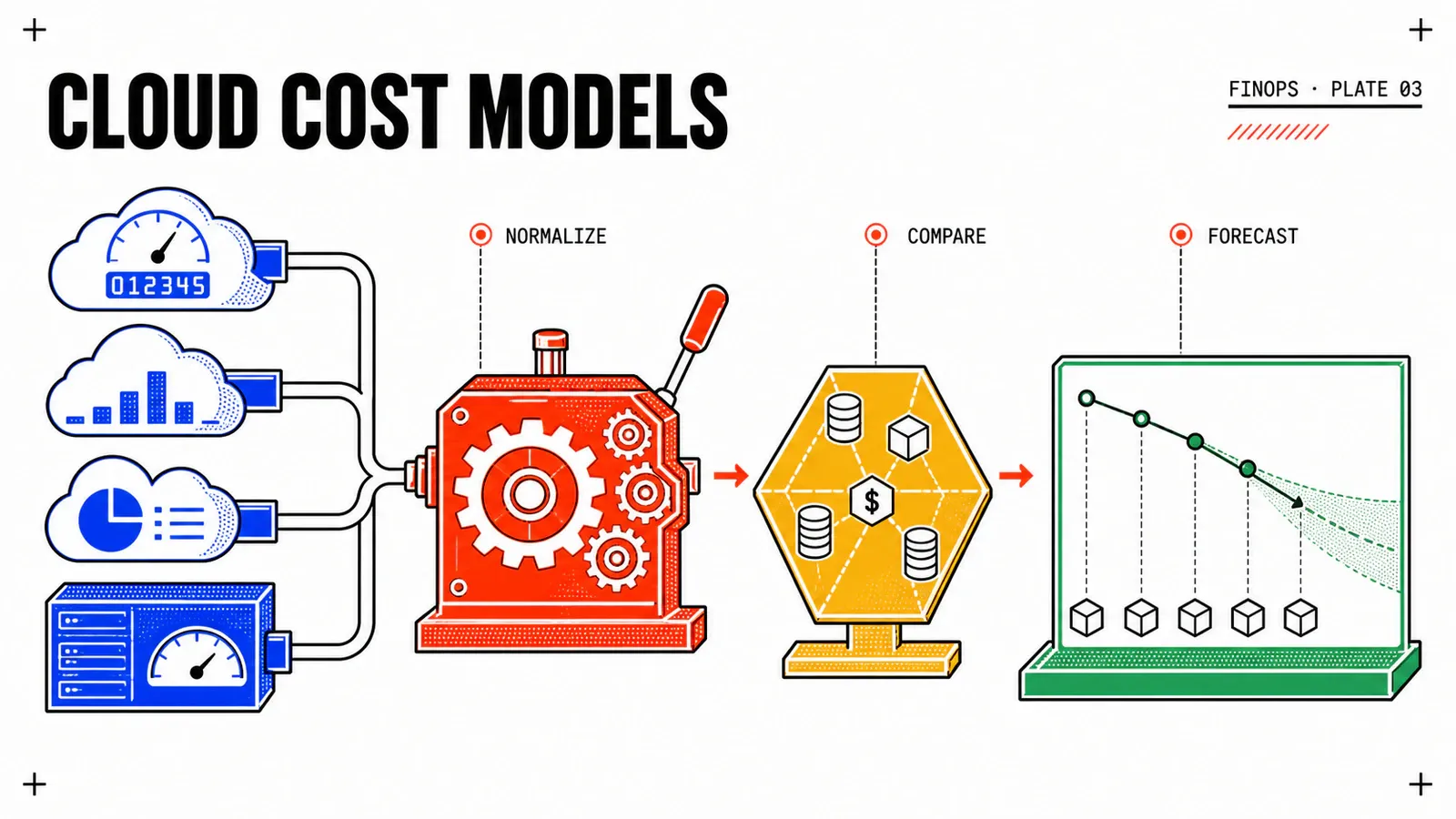
Previous article: OpenCost: seeing before acting on Kubernetes spend. Next: FinOps cost models: what AWS, Azure, GCP and VCF actually bill for, which picks up where this one stops — does freed capacity become avoided spend, and under which model.
Get the next one by email
New articles and series, sent when they are published. No other mail.