vcfa-all-apps-iaas · 7 articles
Build a Governed IaaS Service with VCF Automation 9.1 All Apps
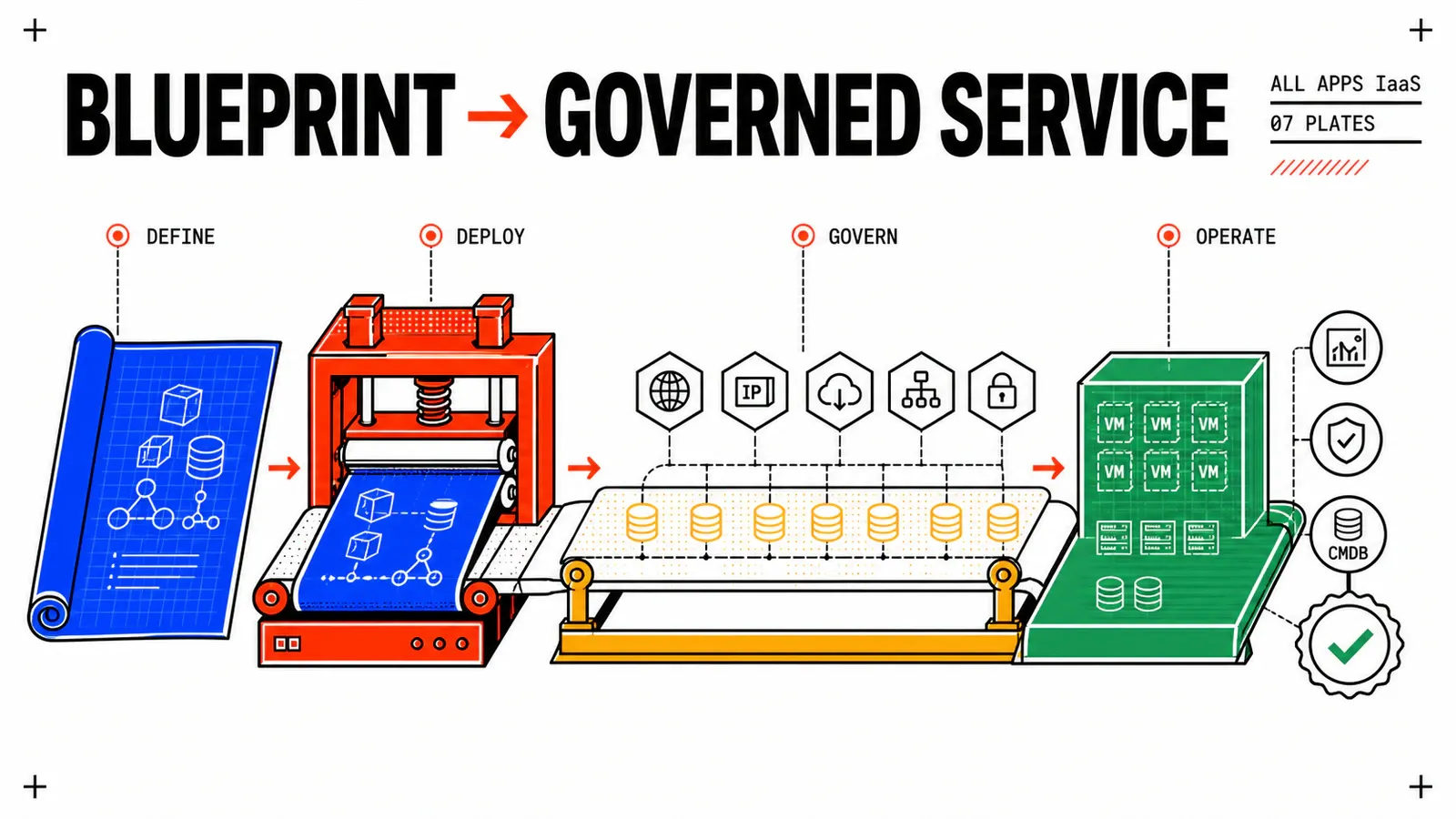
A practical journey for building, integrating, governing, and testing a VM service with Blueprints, VM Service, Event Broker, and Orchestrator.
Every article
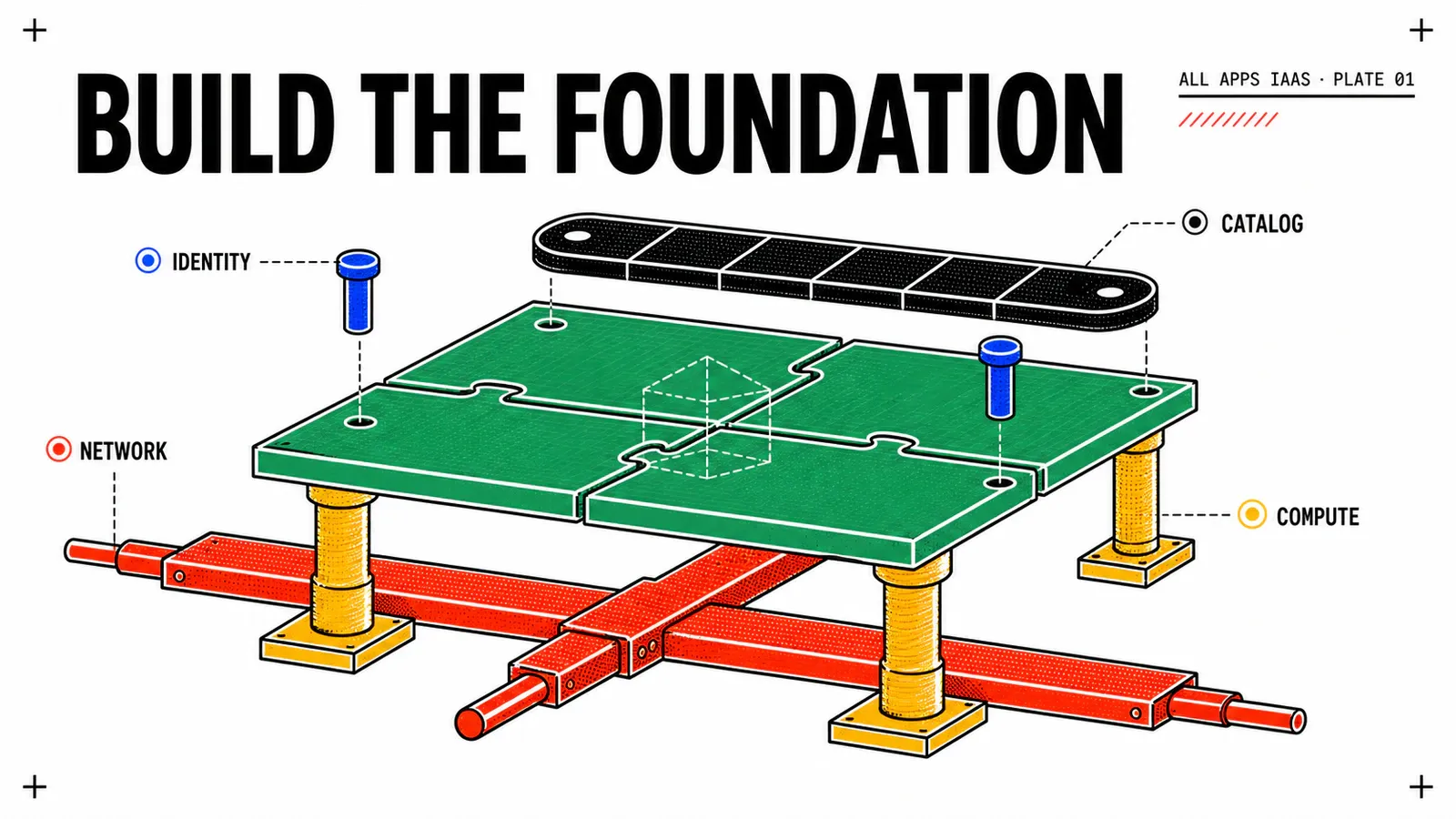
VCF Automation 9.1 All Apps: Prepare the WebShop Lab Foundation
Prepare the organization, project, namespace, VPC, classes, image, and storage required by your first All Apps IaaS Blueprint.
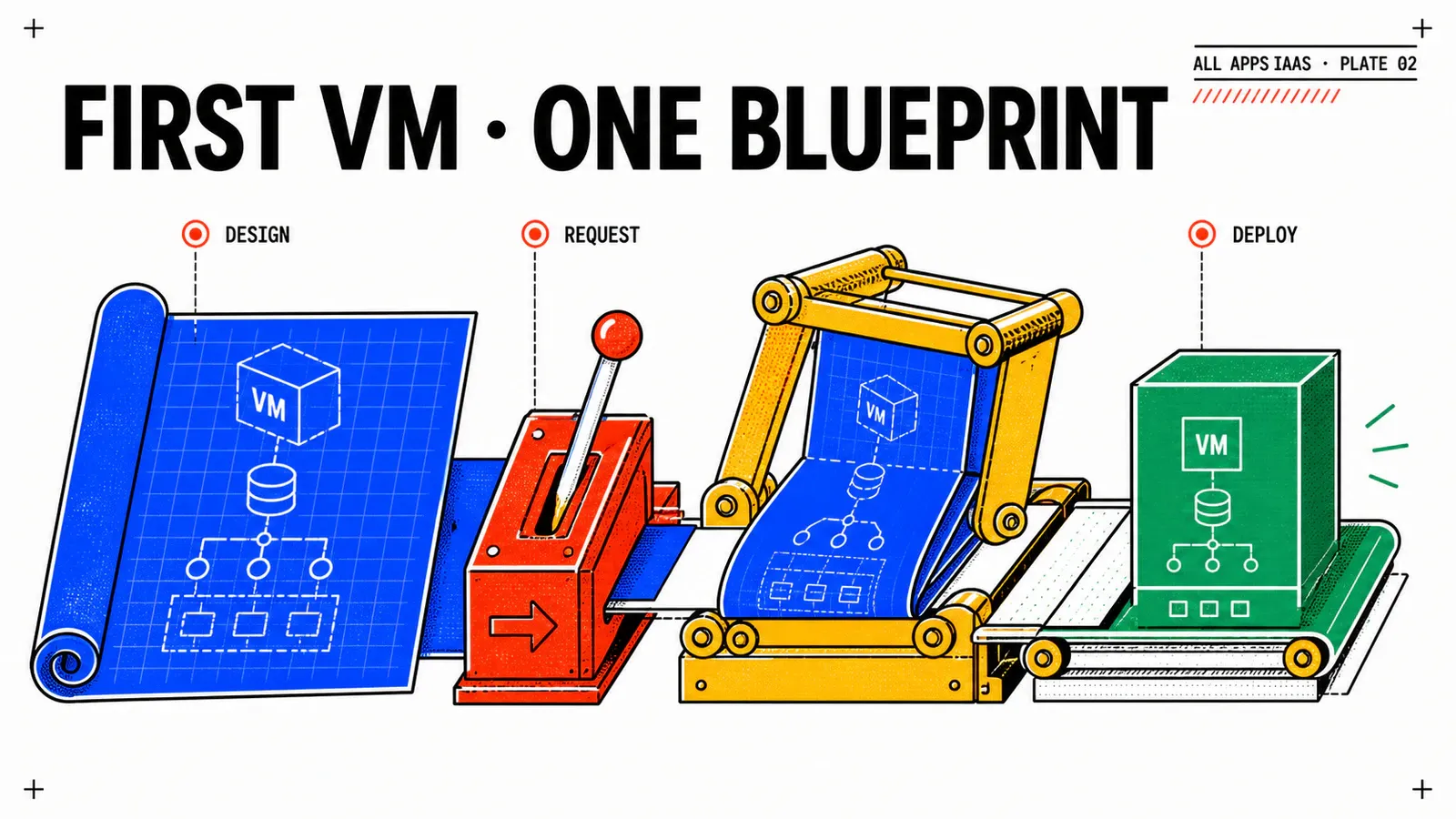
VCF Automation 9.1 All Apps: Deploy Your First VM with a Blueprint
Build a formatVersion 2 Blueprint that targets an existing namespace and deploys a Linux VM through VM Service in VCF Automation 9.1.
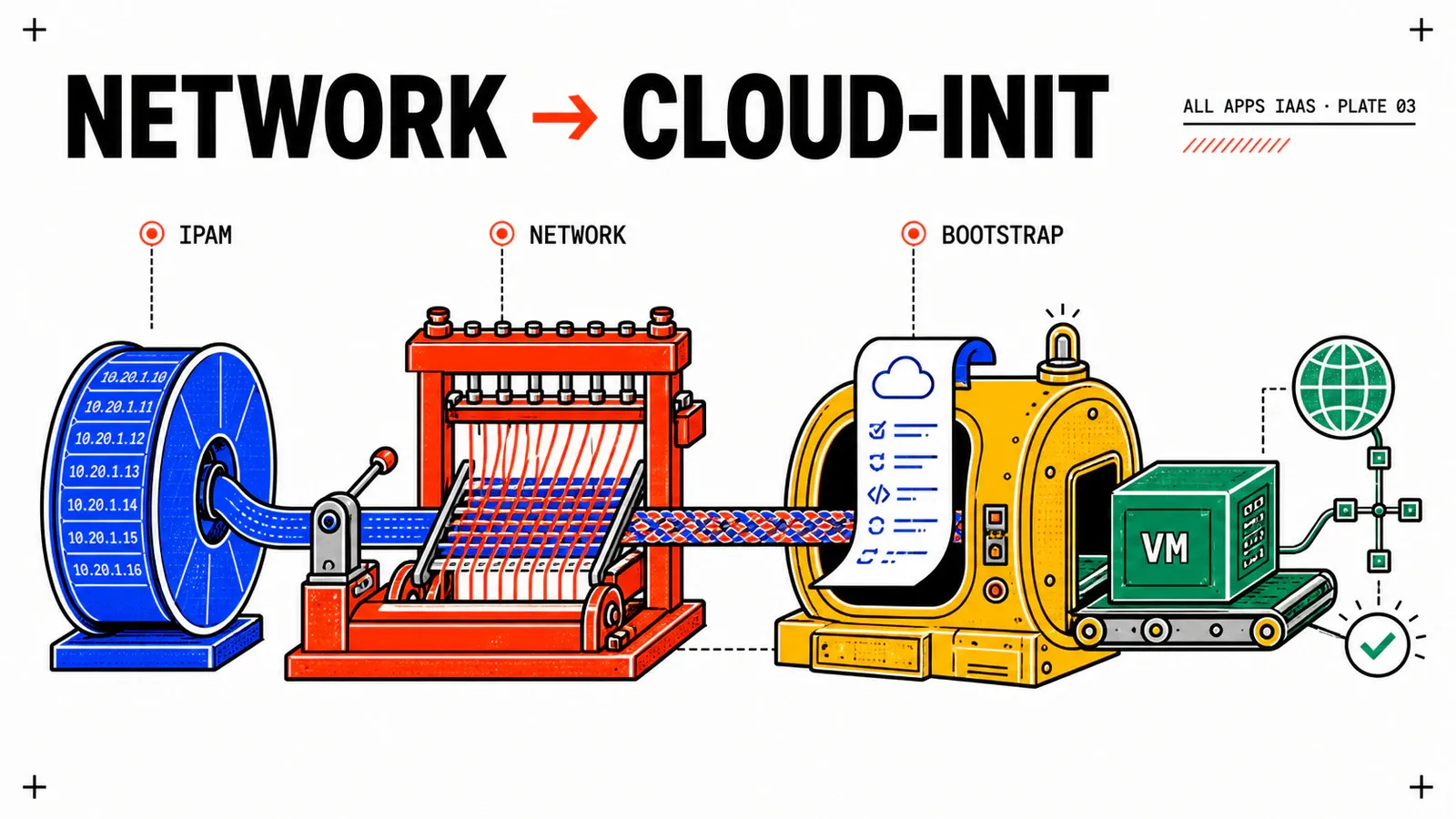
VCF Automation 9.1 All Apps: End-to-End Networking, IPAM, and cloud-init
Attach the WebShop VM to a governed subnet, prove IP allocation and release, then use cloud-init to expose an observable /healthz endpoint.
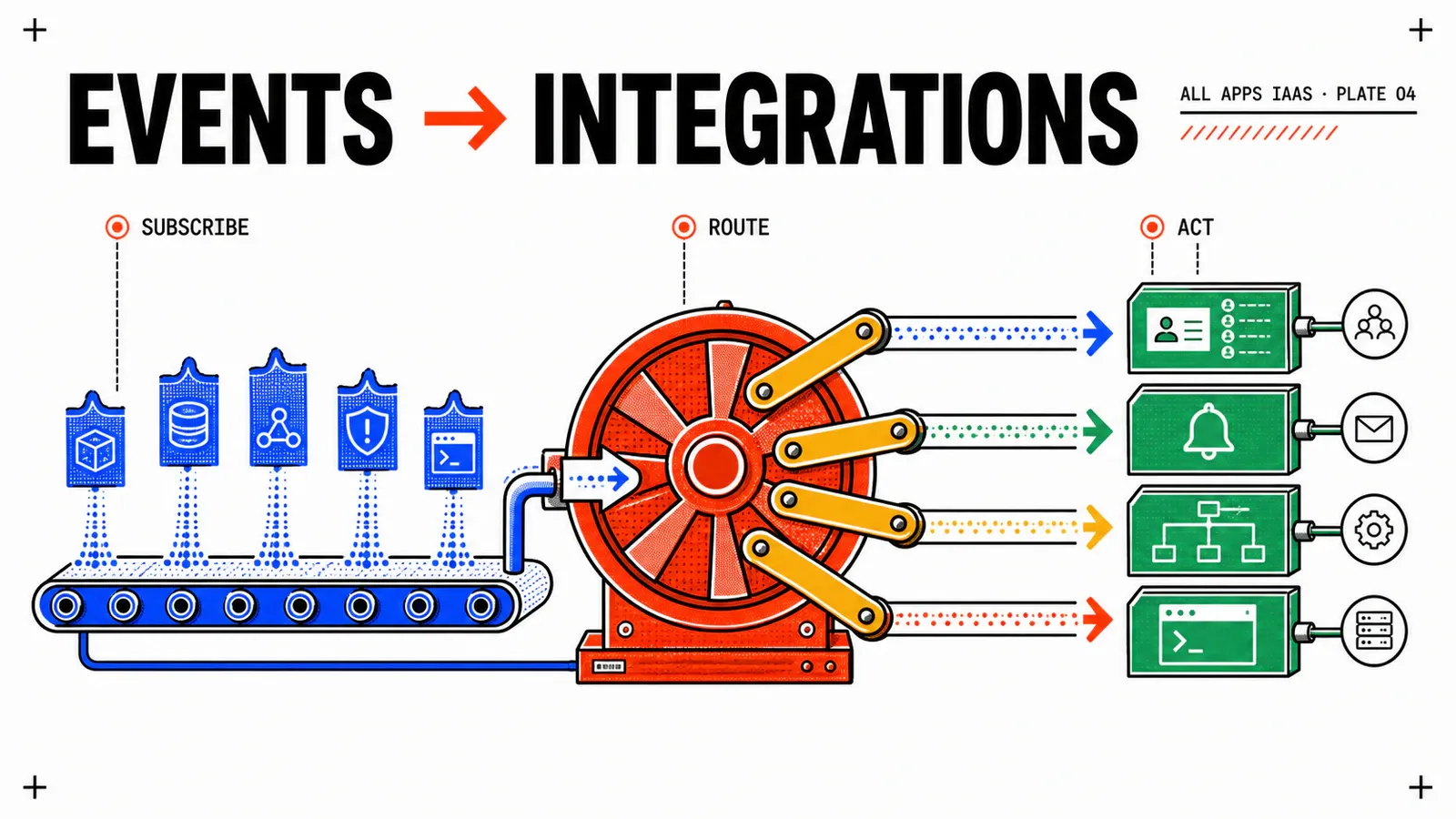
VCF Automation 9.1 All Apps: Integrate Active Directory and a CMDB with Event Broker
Design three idempotent Event Broker subscriptions to synchronize AD computer accounts and CMDB CIs without blocking VM provisioning.
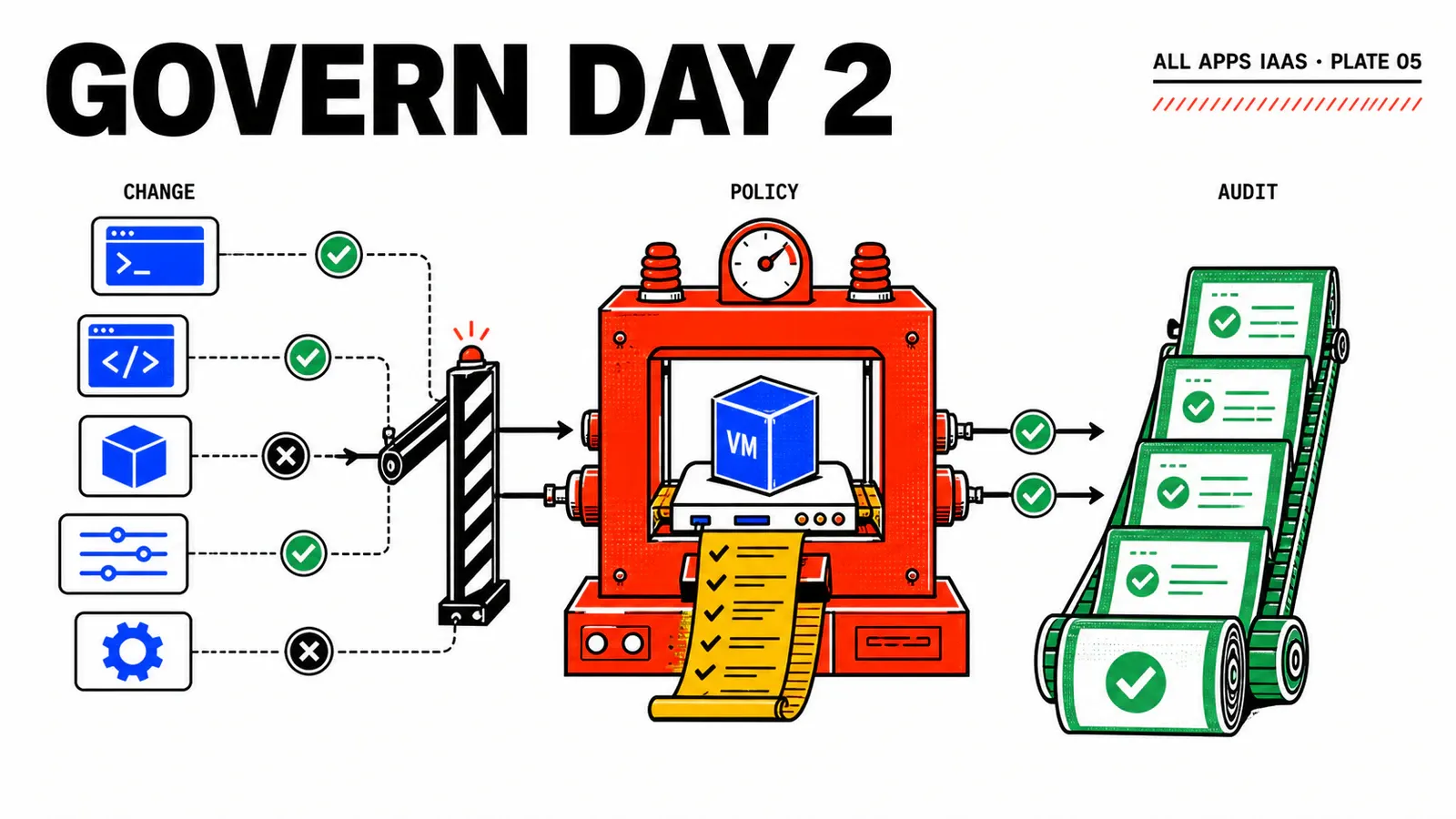
VCF Automation 9.1 All Apps: Govern Day-2 Actions
Govern Day-2 actions by role, avoid Blueprint drift, and add an Orchestrator action to resynchronize the CMDB.
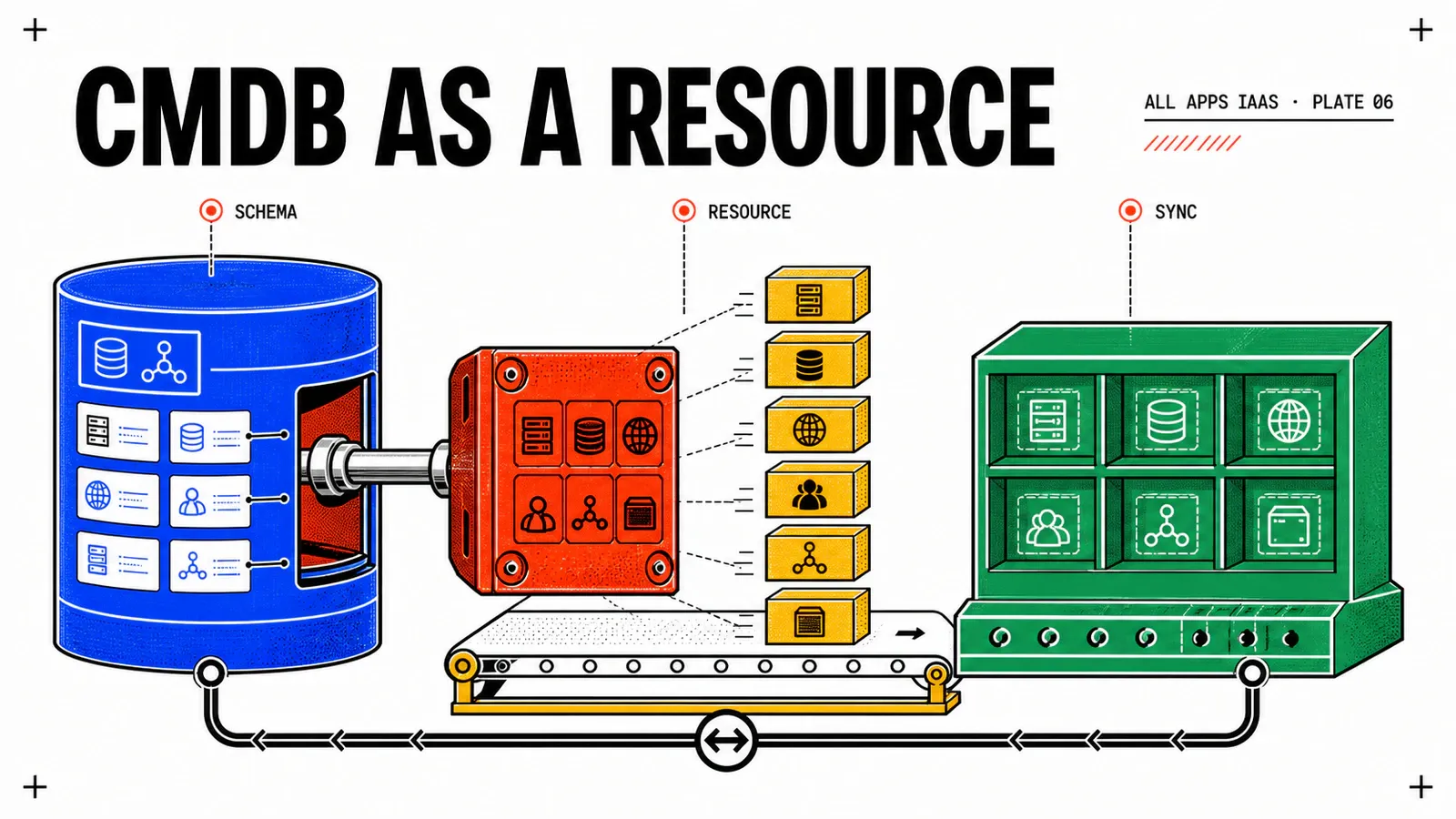
VCF Automation 9.1 All Apps: Manage a CMDB CI as a Custom Resource
Model a CMDB CI with Create, Read, Destroy, on-demand reconciliation, and a controlled cutover from the temporary Event Broker subscription.
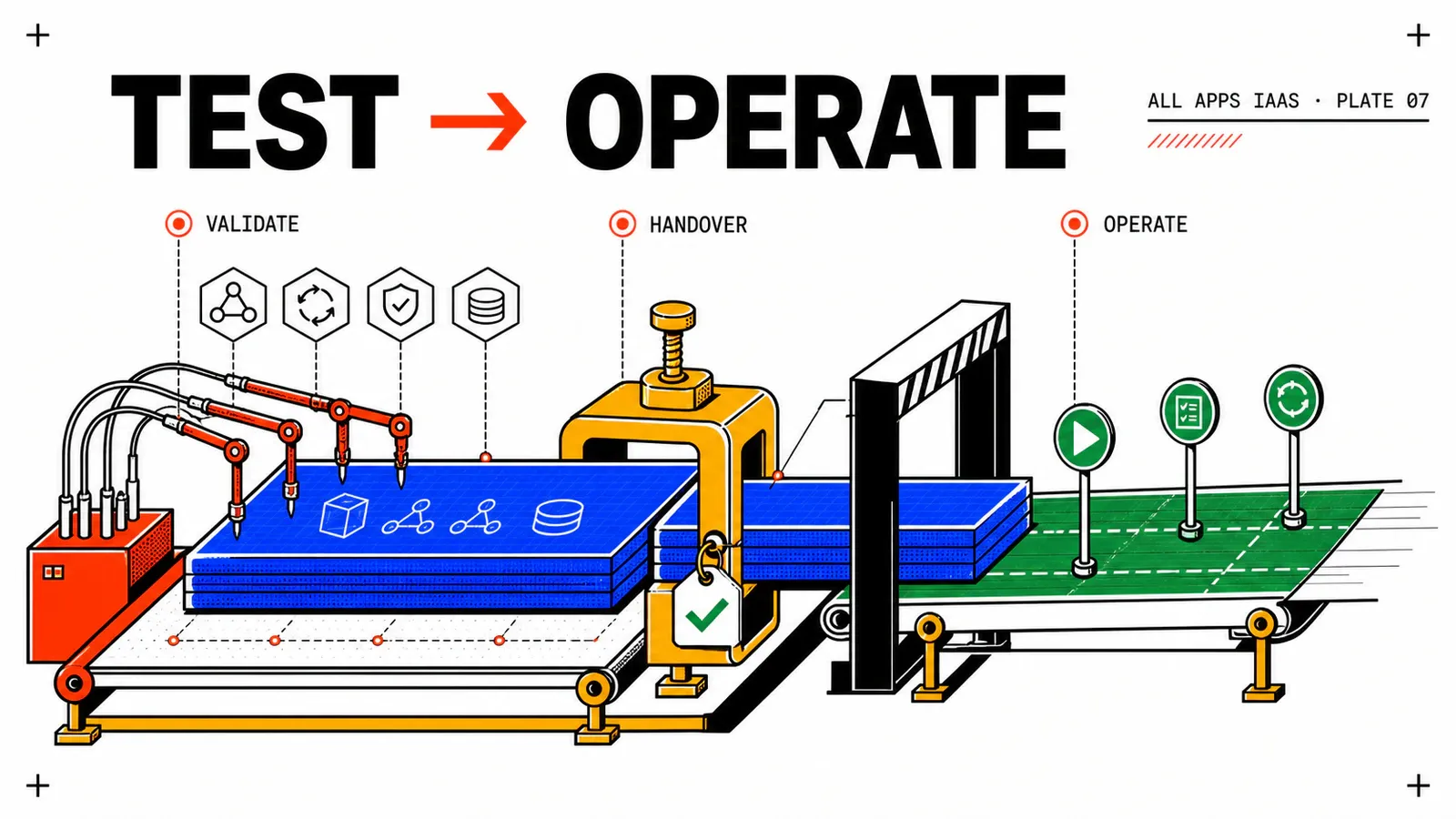
VCF Automation 9.1 All Apps: Test and Operate the IaaS Service
Turn WebShop into a repeatable acceptance test covering provisioning, networking, integrations, Day-2, failure, rollback, and cleanup.